 Halloween only 🎃 Get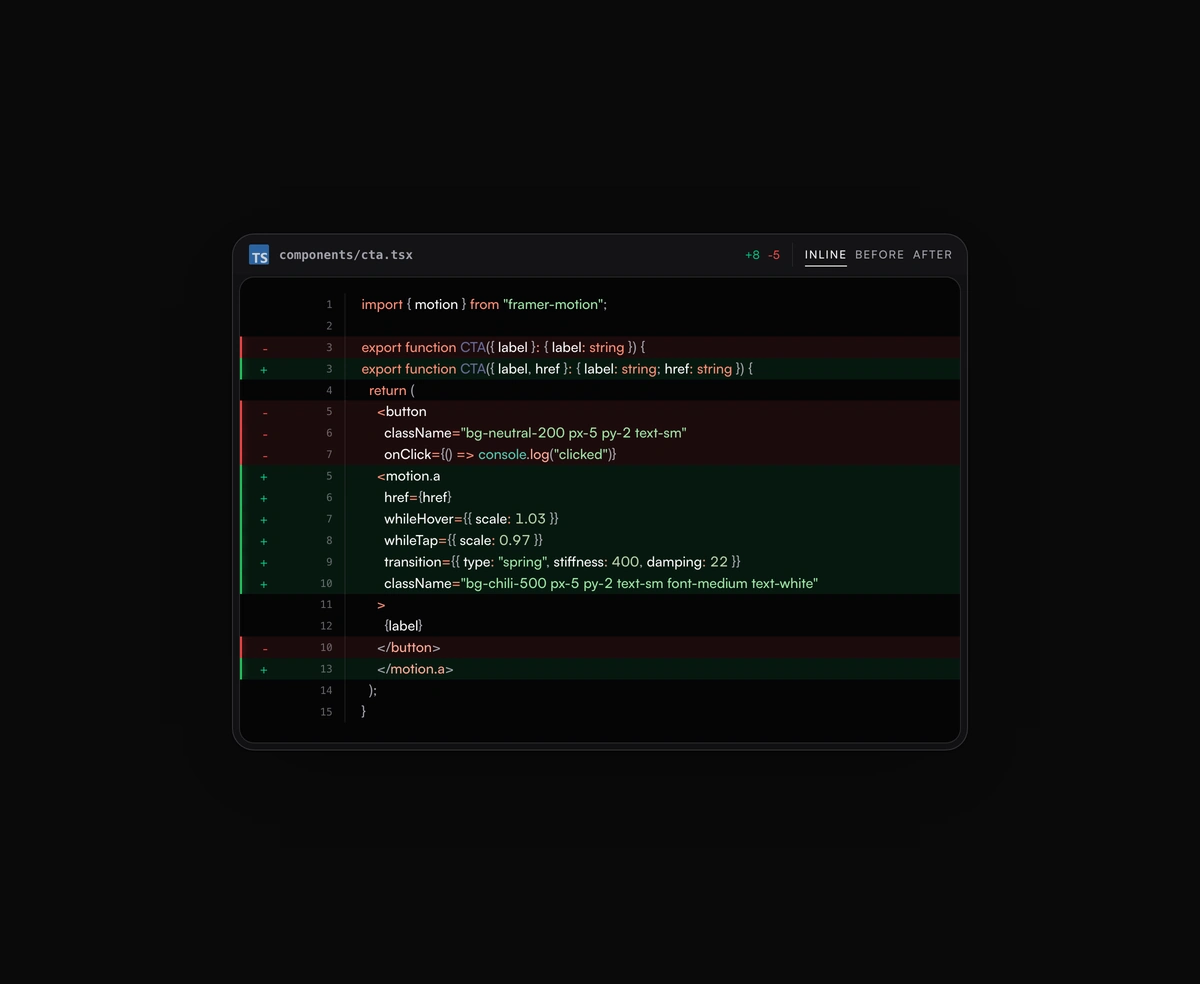
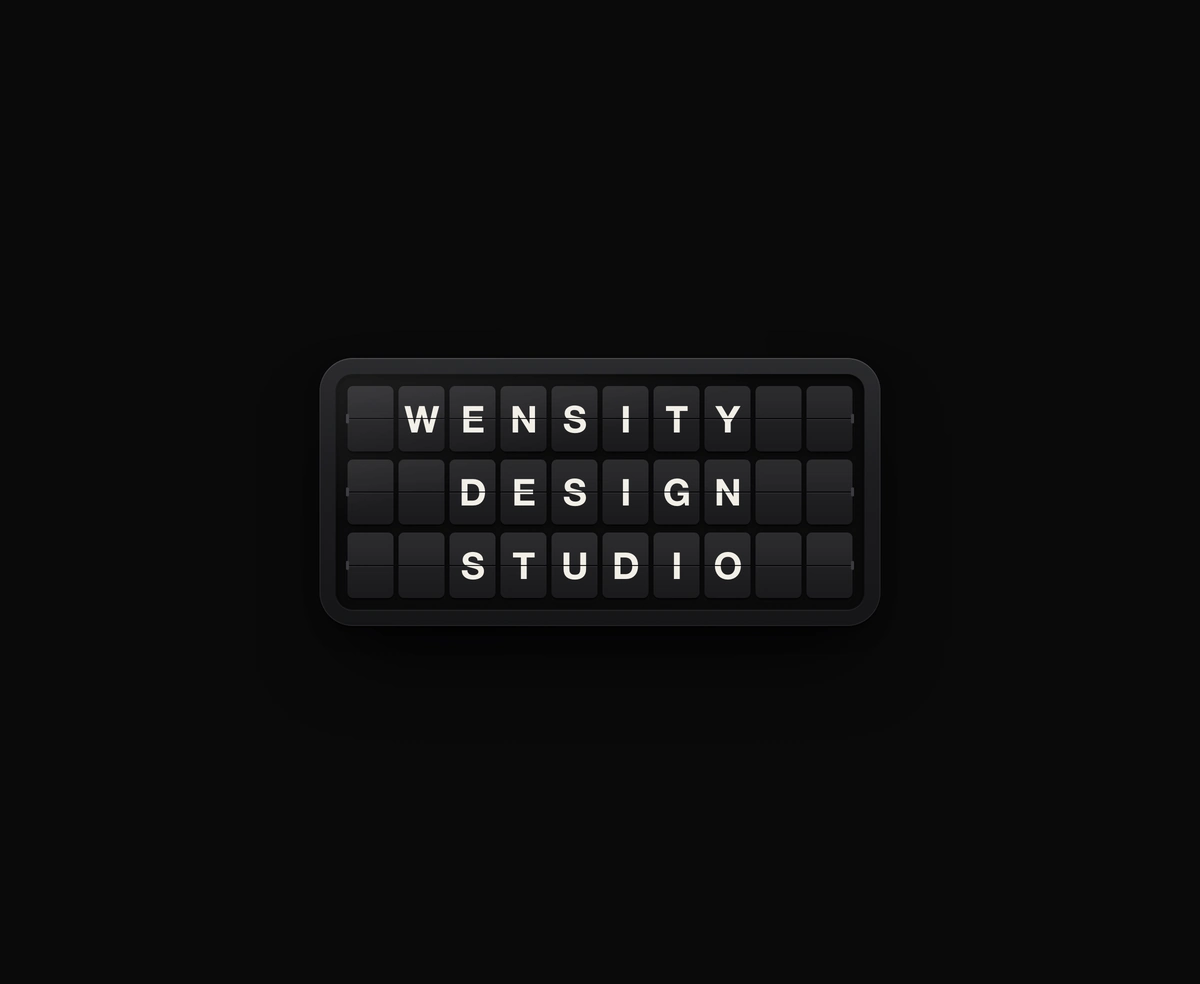
Split-Flap Display
A ceramic and graphite split-flap device that ripples each flap into your message.
Inline or toggled code diffs rendered inside the same polished code block frame, flipping between before and after.
Animated Code Diff Viewer is a React and Tailwind CSS code diff component that animates the change between two versions of a file, in Next.js or any React app, with syntax highlighting from prism-react-renderer. It computes a line level diff, slides added lines in with a green sweep, and collapses removed lines in red while neighbours glide to close the gap. Show it inline, as before or after, or as a toggle, with a filename header and optional autoplay. Reduced motion swaps states instantly. The diff runs in the browser, so keep files to a few hundred lines.
Run the following command
pnpm dlx wensity@latest add animated-code-diff
npx wensity@latest add animated-code-diff
yarn dlx wensity@latest add animated-code-diff
bunx wensity@latest add animated-code-diff
Import AnimatedCodeDiff from @/components/wensity/animated-code-diff and render it anywhere in your React or Next.js app. The source lands in your own repo, so every prop, class and animation below is yours to edit.
import { AnimatedCodeDiff } from "@/components/wensity/animated-code-diff";const before = `export function CTA({ label }: { label: string }) {return <button className="bg-neutral-200 px-5 py-2">{label}</button>;}`;const after = `import { motion } from "framer-motion";export function CTA({ label, href }: { label: string; href: string }) {return (<motion.a href={href} whileHover={{ scale: 1.03 }}className="bg-chili-500 text-white px-5 py-2">{label}</motion.a>);}`;export default function Example() {return (<AnimatedCodeDiffbefore={before}after={after}language="tsx"filename="components/cta.tsx"viewMode="inline"/>);}
| Prop | Type | Default | Description |
|---|---|---|---|
before | string | - | Before snapshot — full source string. |
after | string | - | After snapshot — full source string. |
language | DiffLanguage | "tsx" | Prism language for highlighting. |
filename | string | - | Filename shown in the header. |
autoplayMs | number | 0 | Auto-replay interval in ms. Pass 0 to disable. |
initial | "before" | "after" | "before" | Initial state when using toggle view mode. |
viewMode | "inline" | "before" | "after" | "toggle" | "inline" | Initial display mode. Toggle starts from initial. |
A ceramic and graphite split-flap device that ripples each flap into your message.
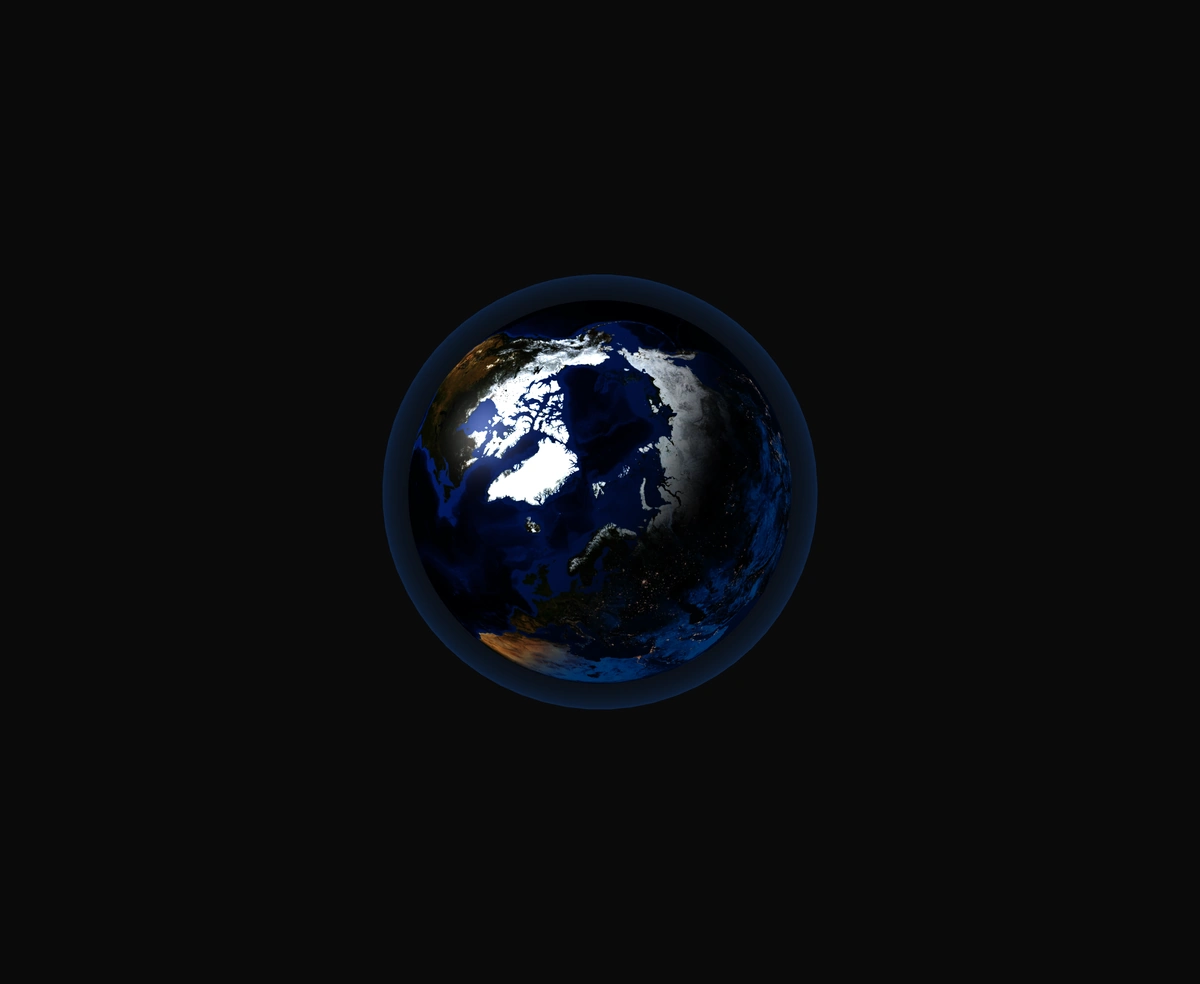
A 3D Earth lit day and night from the real sun position, wrapped in a soft atmosphere, with smooth drag-to-orbit controls.
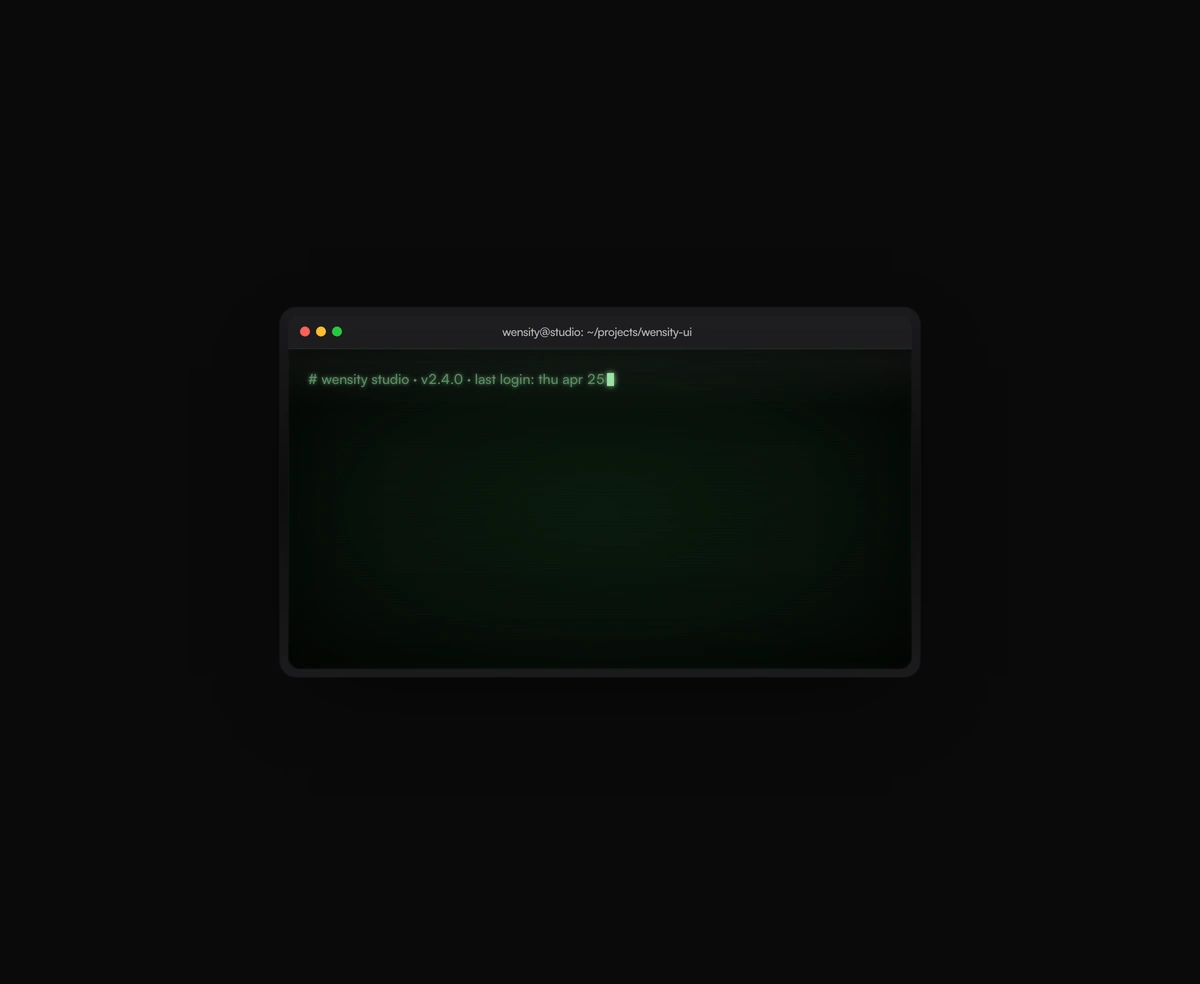
A terminal UI with self-typing commands, CRT phosphor glow and scanlines, streaming output that never re-renders a line.
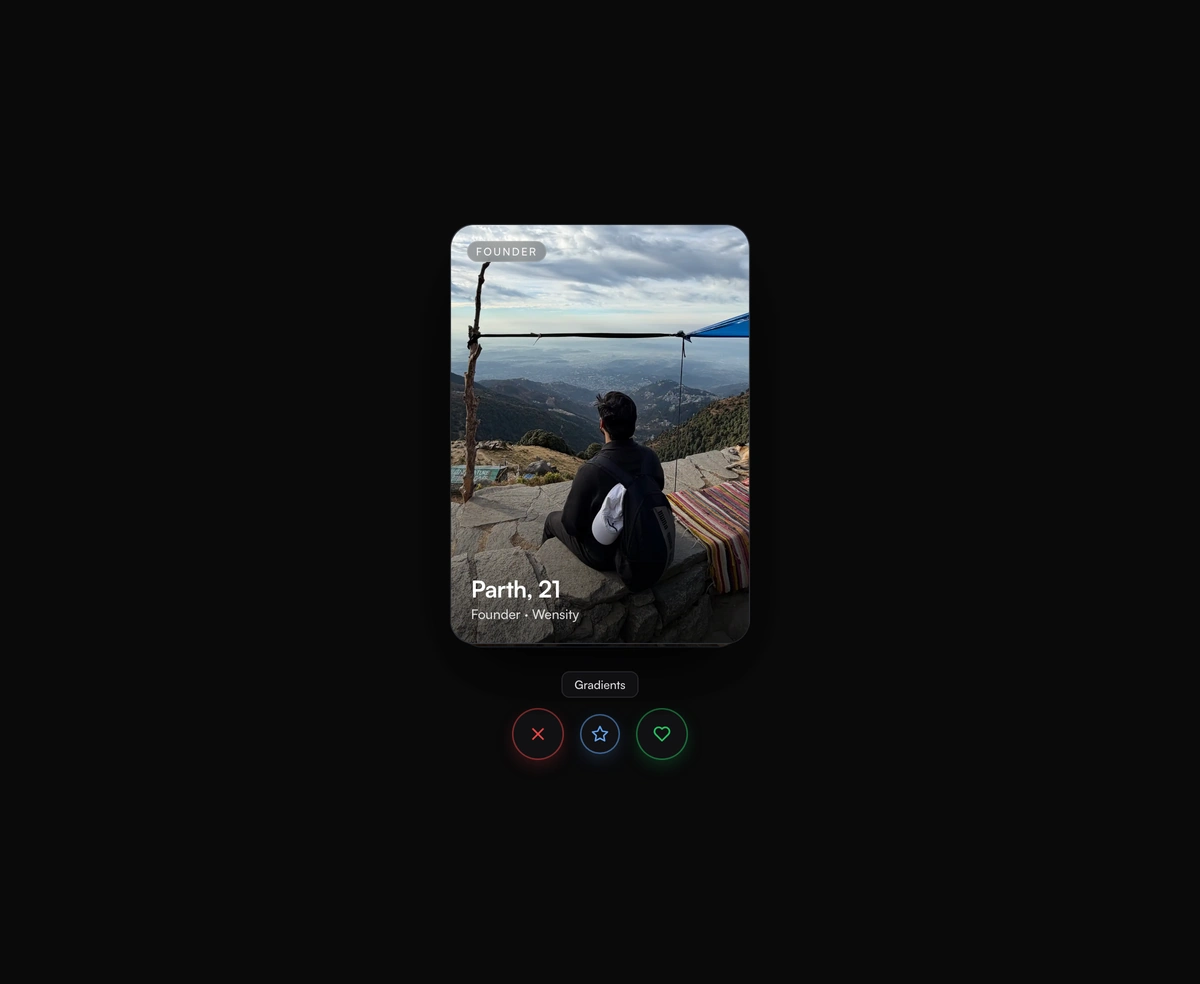
Tinder-style swipe cards where the top card flicks off under your thumb and the one underneath rises in real time.