
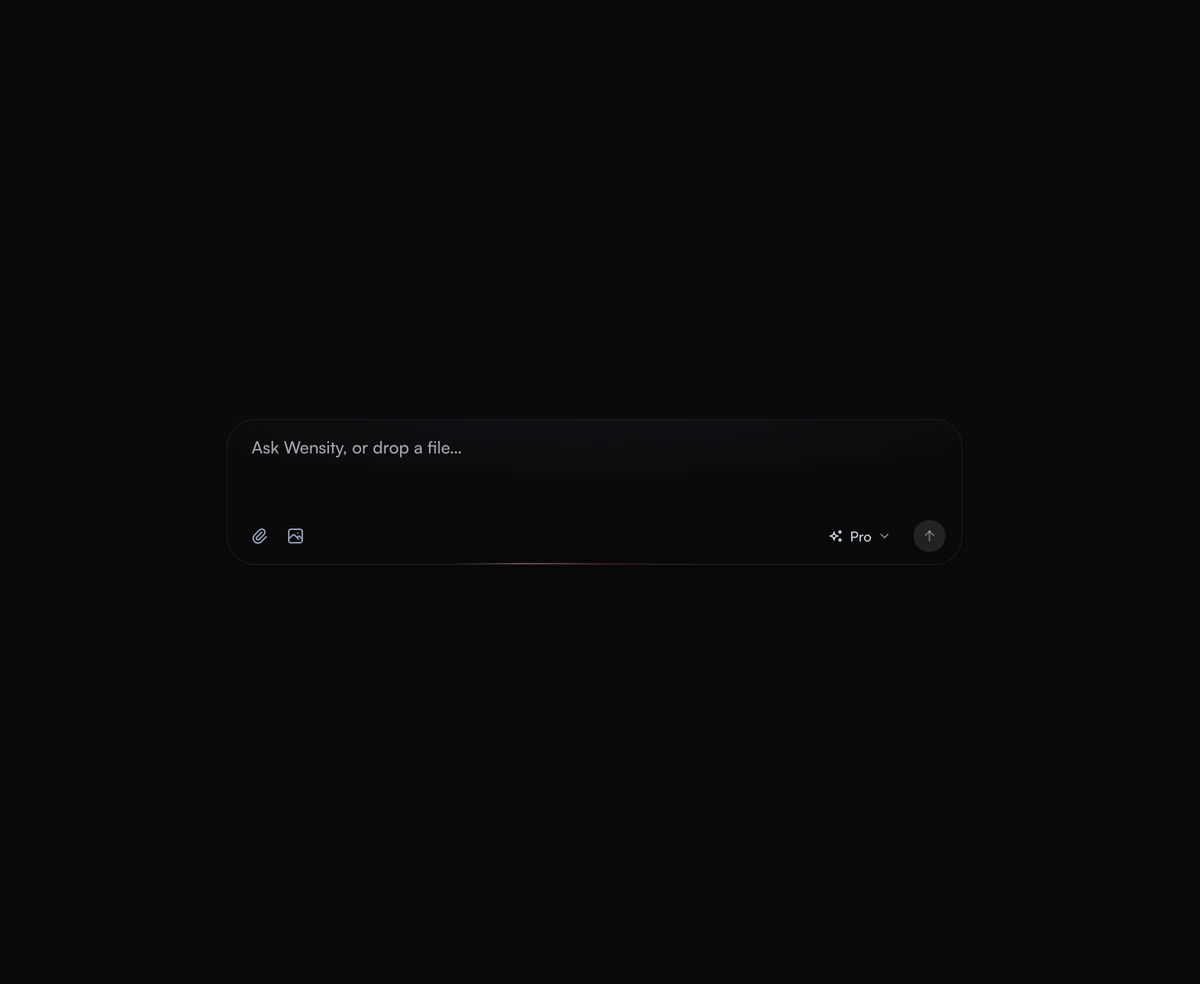
AI Prompt Input
An expanding prompt area with a glowing drop zone that breathes open to meet you as you type a thought or drag a file.
An AI agent UI for React that shows each tool call and reasoning step live, with streamed output, timings and approvals.
AI Agent UI is a React and Tailwind CSS agent UI that shows an AI agent's reasoning steps and tool calls as they happen, in Next.js or any React app. Update a steps array as your agent streams; each call takes its icon and verbs, such as Searching or Ran, from the tool's name. Commands render as a terminal, edits as a diff, and searches as favicon rows. Steps open while running, then fold. Calls marked approval show Allow and Deny for a human in the loop. Keep each step id stable, or its row remounts and replays.
Run the following command
pnpm dlx wensity@latest add ai-agent-ui
npx wensity@latest add ai-agent-ui
yarn dlx wensity@latest add ai-agent-ui
bunx wensity@latest add ai-agent-ui
Import AiAgentUi from @/components/wensity/ai-agent-ui and render it anywhere in your React or Next.js app. The source lands in your own repo, so every prop, class and animation below is yours to edit.
"use client";import { AiAgentUi, type AiAgentStep } from "@/components/wensity/ai-agent-ui";const steps: AiAgentStep[] = [{ id: "1", type: "reasoning", status: "done", durationMs: 2400, text: "The test only fails on CI, so I'll run it first." },{id: "2",type: "tool",name: "run_command",status: "done",detail: "pnpm test checkout",input: { command: "pnpm test checkout" },output: "41 passed, 1 failed",durationMs: 5200,},{ id: "3", type: "tool", name: "git_push", status: "approval", detail: "git push origin fix", reason: "Pushes one commit to GitHub." },];export default function Agent() {return (<AiAgentUitask="Find why the checkout test fails on CI and fix it."steps={steps}startedAt={Date.now()}onApprove={(step) => console.log("allow", step.id)}onDeny={(step) => console.log("deny", step.id)}/>);}
| Prop | Type | Default | Description |
|---|---|---|---|
steps | AiAgentStep[] | - | The run so far, in order: reasoning steps and tool calls. Update it as your agent streams. |
status | "running" | "done" | "stopped" | "error" | from steps | State of the whole run. Running while any step runs or waits for approval, otherwise done. |
task | string | - | What the agent was asked to do, shown above the run. |
startedAt | number | - | When the run began, in epoch milliseconds. Drives the live timer. |
durationMs | number | - | How long the run took, for the Worked for line once it ends. |
onApprove | (step: AiAgentToolStep) => void | - | Shows Allow on tool calls with status approval. |
onDeny | (step: AiAgentToolStep) => void | - | Shows Deny on tool calls with status approval. |
onStop | () => void | - | Shows a Stop key while the run is working. |
An expanding prompt area with a glowing drop zone that breathes open to meet you as you type a thought or drag a file.

An organic loading state instead of a spinner, with a slow aurora that breathes in the space where your content will land.

A breathing voice orb that swells with speech and settles between turns, never jittery and always organic to look at.

An AI model selector dropdown that scales out from its trigger and glides the selection pill to whichever model you pick.
Featured in React AI chat UI components.