CSS Gradient Generator
Layer linear, radial and conic gradients, then copy the CSS.
224 backgrounds19 sectionsPNG, MP4 and React export
Background Studio is a free gradient and shader background generator that runs in your browser. Start from a finished look, recolour it, layer texture over it, and export an image, a video or a React component.
No account needed to design or download images.
Background Studio is a browser-based editor for animated gradient and shader backgrounds, made by Wensity. Pick a look from the Library, change its colours, motion and layers on a live canvas, and export it for a website, an app or a launch video.
Everything renders on your device's graphics card. There is no upload, no render queue and nothing to install, and the same engine draws the preview and the export.
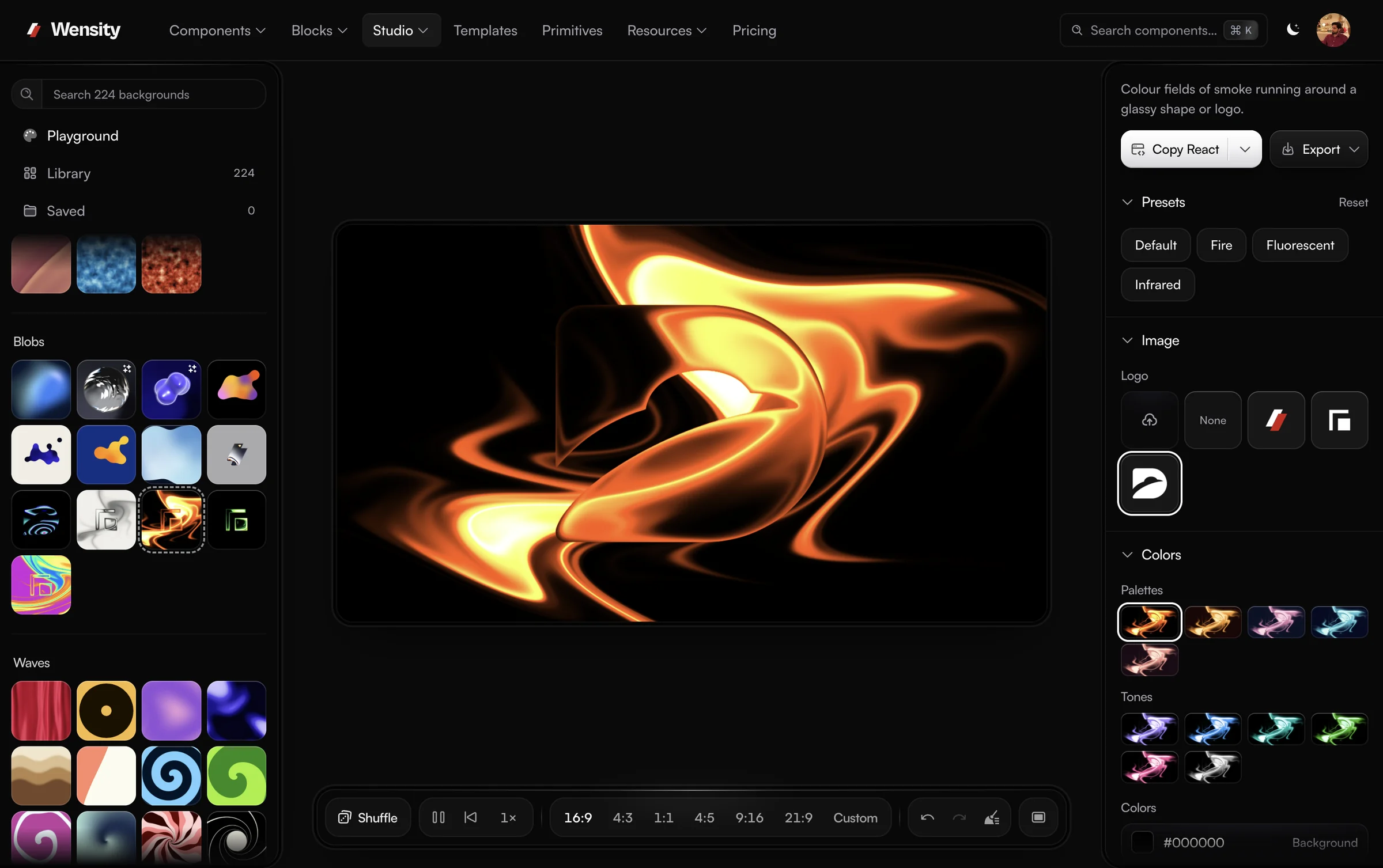
19 sections, from soft gradients and mesh fields to glass, halftone and liquid metal.
Stack a base, texture and effects in one design. Each layer keeps its own controls.
16:9, 4:3, 1:1, 4:5, 9:16 and 21:9 presets, or any custom size from 64 to 4096 px.
Every design starts from a finished look instead of a blank canvas. Open one, make it yours, and download it.
Browse the Library by section, or search for a look by name.
Recolour it in one click, shuffle it, or open any of its controls.
Download a PNG, JPG, WebP or video, or copy it as a React component.
Colour variants recolour the whole design at once, and every option previews as a real render of your background.
A dark base stays dark and a highlight stays bright, so a variant never breaks the design.
Each choice is rendered from your design, not shown as a strip of swatches.
The look you started from is always the first option, and exact colour fields sit below.
Texture is a section you switch on over the base, not a different preset, so the colours underneath stay as they were.
Add grain to a gradient, put a halftone screen or fluted glass over it, or bend it with a distortion. A design holds up to 12 layers, and each one keeps its own controls, so you can tune the grain without touching the gradient below it.
Drag colour points across the canvas and the mesh blends between them.
Add a point where you want more colour, change its hue, and move it until the field sits right behind your content. Points are the base of the free Mesh Gradient Generator, and the same Points base is in the studio, where grain, glass or halftone can go on top of it.
Upload a photo, set the dot size and ink colours, and compare it with the original as you go. Your photo never leaves the browser.
Dot screens over a photo or over an animated base.
Ordered and pixel dither looks for a print or retro screen finish.
Images drawn in characters, for a terminal or zine feel.
The Interactive section has 6 looks that react to the pointer: liquid that parts where the cursor passes, and ripples that spread out from it.
They suit a hero or a sign-in page, where a visitor's first movement gets a response. A video export plays the look on its own, without cursor input.
Every format a site or launch needs, rendered on your device. No watermark.
Images and links are free. Video, React and 2x PNG come with Wensity Pro, $169/year or $199 once. See pricing.
A few of the looks in the Library's 19 sections, each exported from the studio. Open any of them and it loads in the editor, ready to change.
 Static Mesh Gradient SunsetGradients, open in Background Studio
 Fluted Glass FoldsGlass, open in Background Studio
 1960s RustGradients, open in Background Studio
 Static Mesh Gradient SeaGradients, open in Background Studio
 Lens Distortion SmokeOptics, open in Background Studio
 Seventies ArchExtras, open in Background Studio
Choose 16:9, 4:3, 1:1, 4:5, 9:16 or 21:9, or type any size from 64 to 4096 px. These are plain exports from the studio, with type added on top.
Your headline over a background that moves
Get started
Saturday 18 October
9:41
Autumn drop
New season, new colours
wensity.com
wensity The autumn palette is live.
Introducing
Version 2.0
Four focused generators built on the same engine. Their CSS, SVG and image exports are free, and each one opens in the full studio when you need more.
Layer linear, radial and conic gradients, then copy the CSS.
Drag colour points into a soft mesh, animate it, export it.
Grain, fractal and cell noise as textures or a CSS grain overlay.
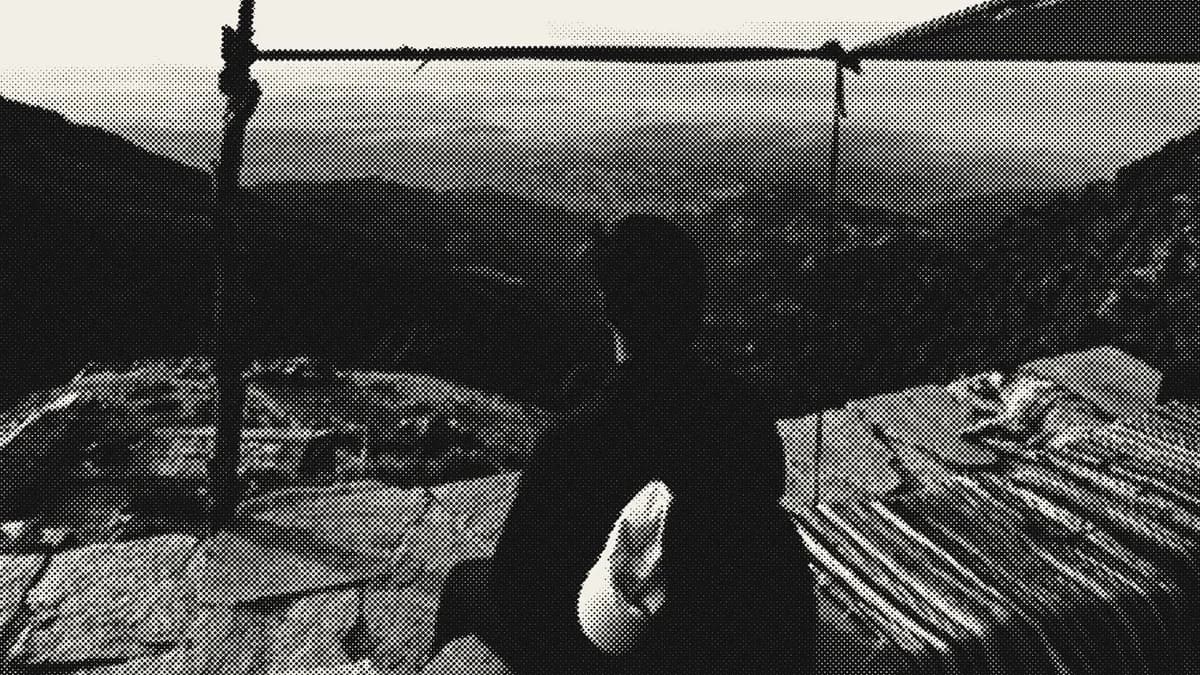
Turn any image into halftone dots, screens or CMYK print.
What people ask before they open the studio: what it costs, what it exports, and where designs are saved.
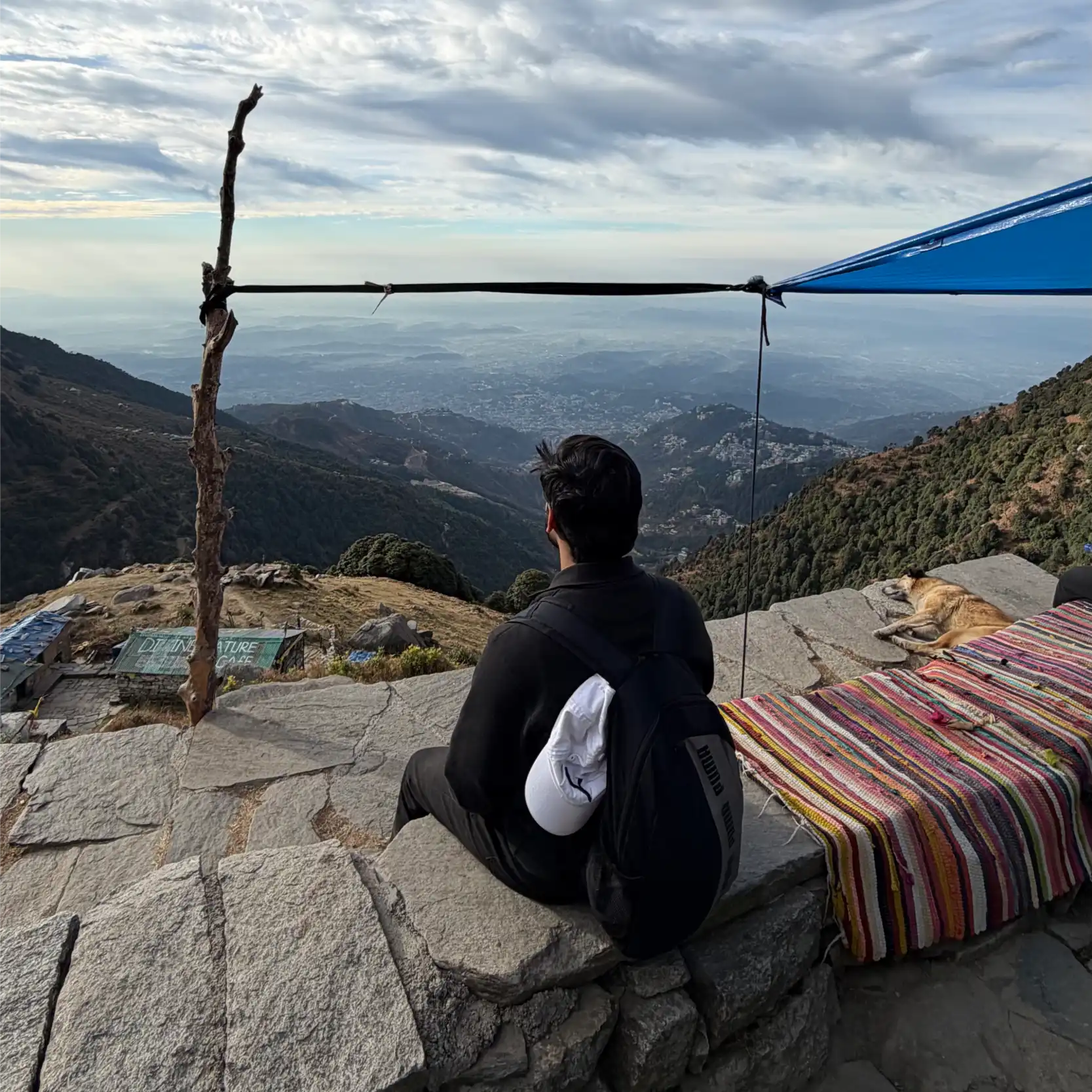
Parth
Founder, Wensity
Still have a question?
Ask about plans, licensing, or templates and you will hear back from me directly.
Email hey@wensity.com