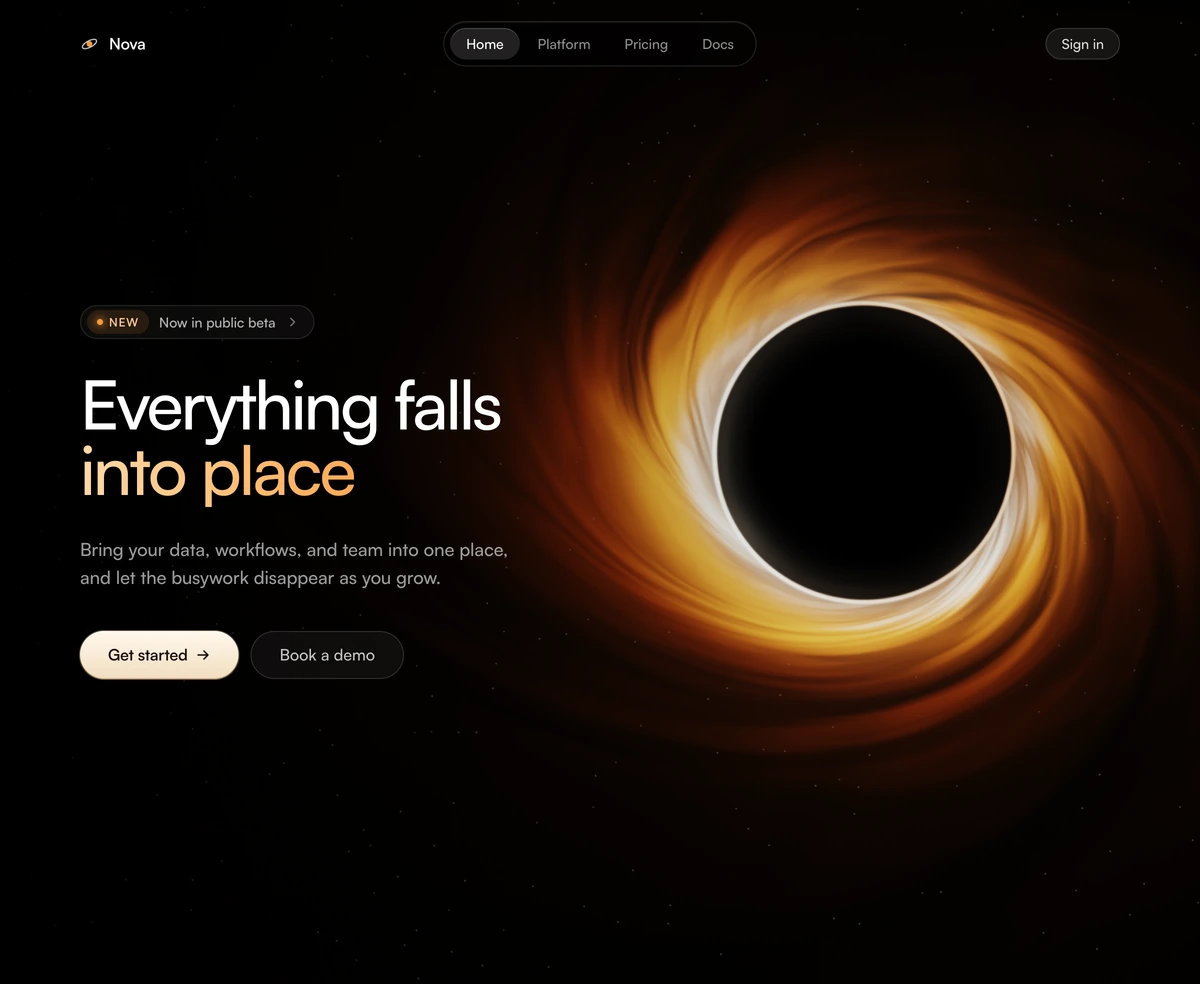
Hero Section With Animated Clouds
ProCentered hero drifting over a WebGL cloud shader. Layered FBM noise bands blend a sky-blue-to-white daytime palette (deep navy at night), with a soft readability scrim, dual CTA buttons, and staggered content reveals. Adapts to light and dark mode.
When to use Hero Section With Animated Clouds
A canvas hero. Three.js has to load, a shader has to compile, and only then does the first cloud band appear, which on a mid range phone is a pause you can feel. Knowing that is the whole decision: buy the atmosphere when the atmosphere is part of what you are selling, and skip it when it is scenery.
What you get for the cost is weather that never repeats, drifting from sky blue by day to deep navy at night, with a scrim under the copy so the text stays readable as the bands move beneath it. If it has to sit above the fold, put a still image behind the canvas so there is something on screen while the renderer starts, and check it once on a throttled connection before you decide it was worth it.
Block details
- Category
- Hero Sections
- Renders
- WebGL canvas. Compiles a shader before the first frame
- Theme
- Follows the site theme in light and dark
- Responsive
- Mobile, tablet and desktop breakpoints are already set
- Dependencies
clsxframer-motionnext-themestailwind-mergethree- Source
- 454 lines, 18 KB in one file
- Install
wensity add hero-section-with-animated-clouds --type block- Stack
- React, Next.js, TypeScript and Tailwind CSS v4
- Licence
- Included with Wensity Pro. The CLI copies the file into your repository and you own it from there
- Tags
- light, dark, webgl, shader, clouds, sky, centered
- Last updated