Black Friday is here 🔥 Get

Email verification
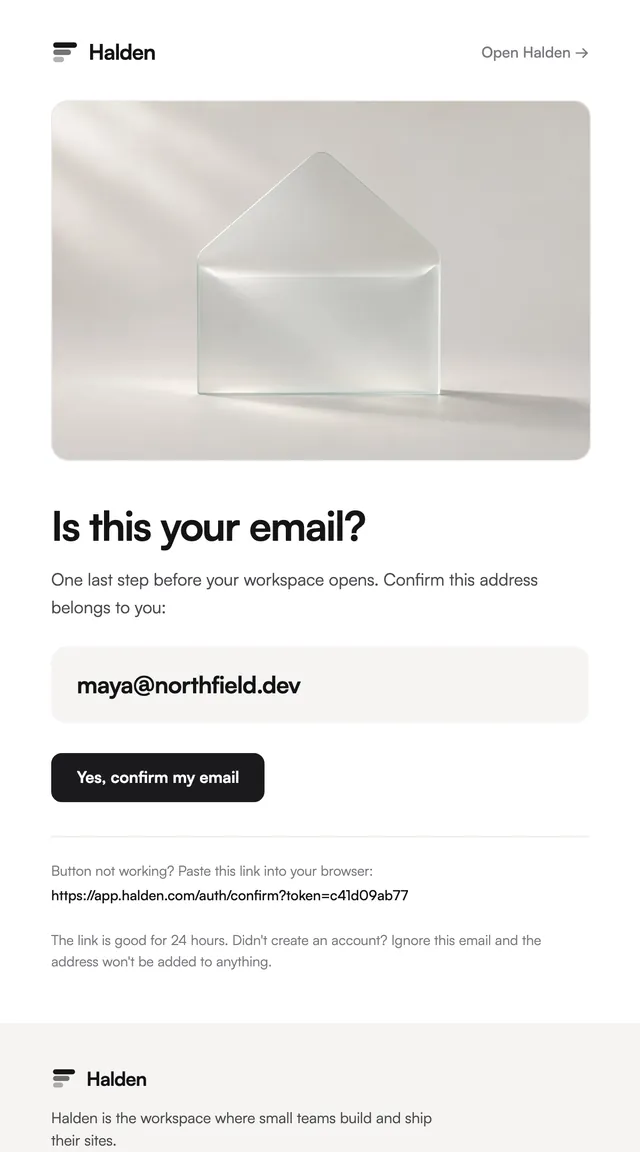
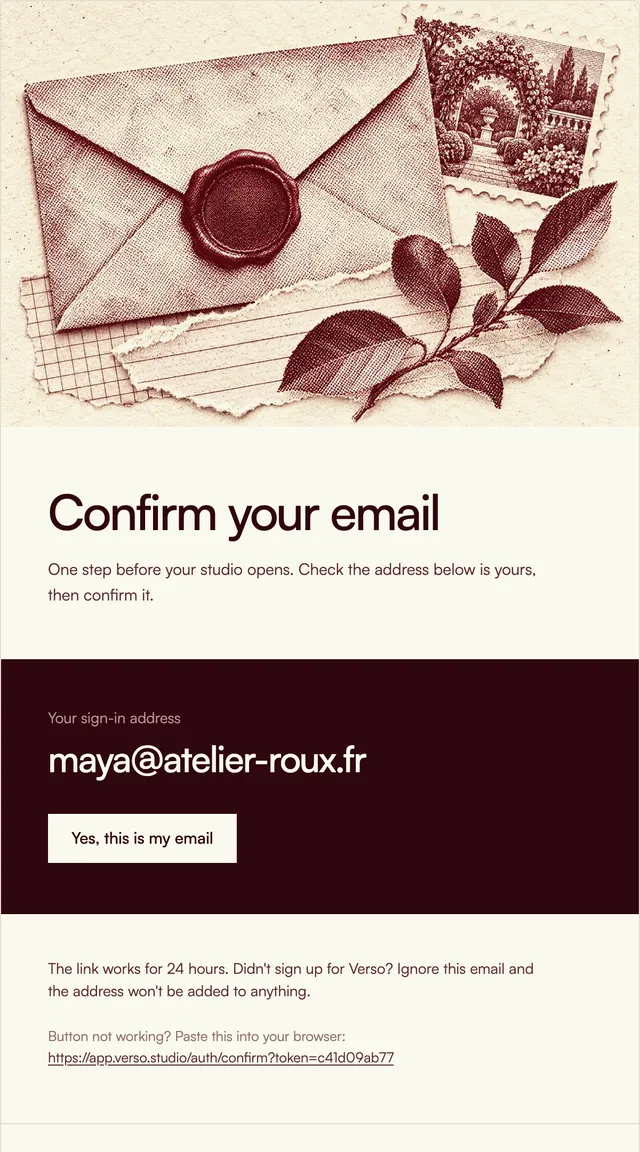
7 stylesConfirm-your-address emails with the address set large.
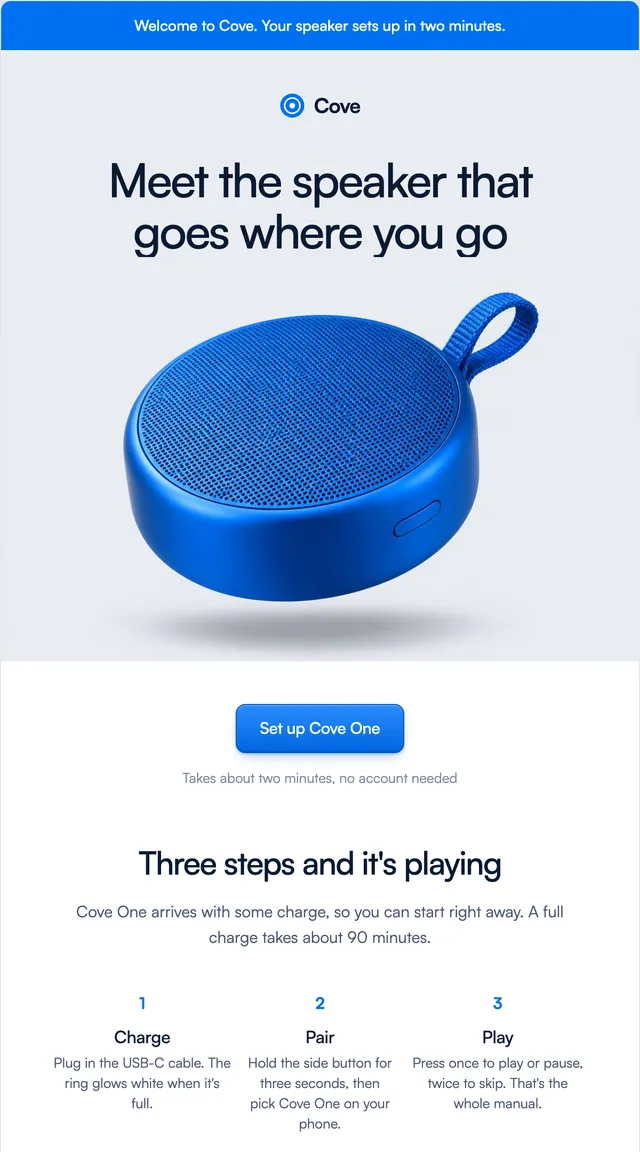
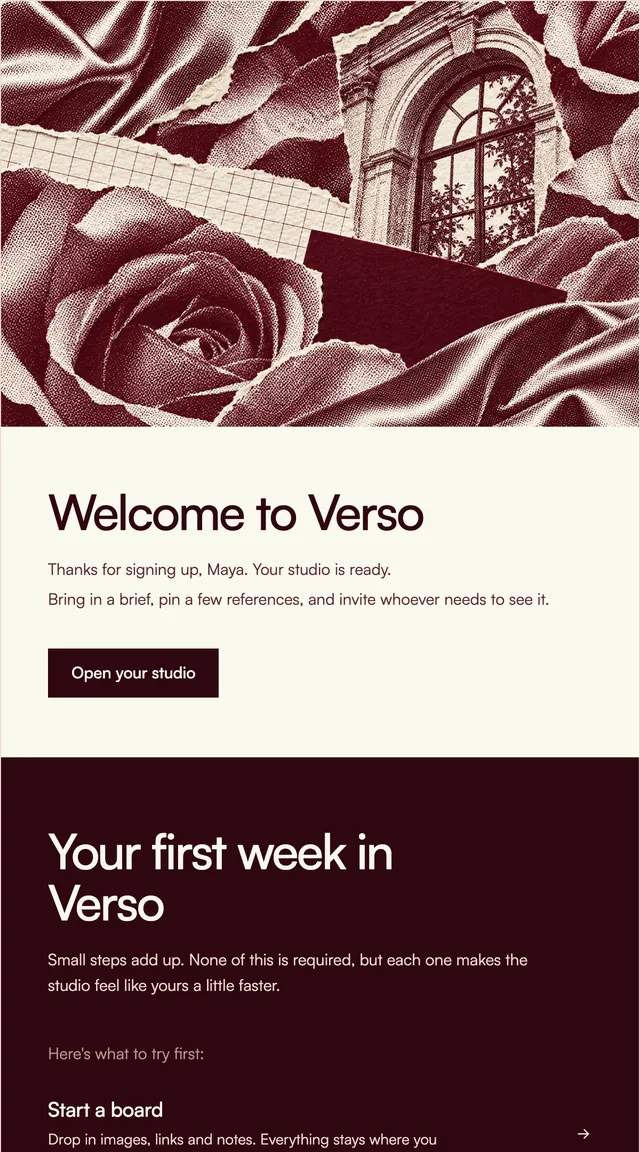
The first email a new account gets, in seven styles: a short hello, one clear next step and a few first things to try.
A welcome email is the one most people actually open, so each of these keeps the hello short and puts one button above the fold. The SaaS styles follow it with three first steps, the store styles with a first-order code and a few products, and the newsletter style with a note from the writer and where to start reading. Every template takes the first name as a prop, uses the brand and links from its kit, and switches to its dark palette in Apple Mail and other clients that support it.
These 7 templates are part of the 65 React Email templates that come with Wensity Pro. Each one is a single file built from React Email components, with a kit for your brand, and installs with the Wensity CLI or the MCP server.
Run the following command
pnpm dlx wensity@latest emails add harbor/welcome
npx wensity@latest emails add harbor/welcome
yarn dlx wensity@latest emails add harbor/welcome
bunx wensity@latest emails add harbor/welcome
The email lands in emails/harbor/ next to the style's kit.tsx, where you set your brand, colours and links once. It needs Wensity Pro and npx wensity@latest login.
Render the email to HTML with render() from React Email, then send it with Resend, Nodemailer, AWS SES or any provider. The data that changes per send is a typed prop.
import { render } from "react-email";import Email from "@/emails/harbor/welcome";const html = await render(<Email {...props} />);

Parth
Founder, Wensity
Still have a question?
Ask about plans, licensing, or templates and you will hear back from me directly.
Email hey@wensity.com