Black Friday is here 🔥 Get

New sign-in alert
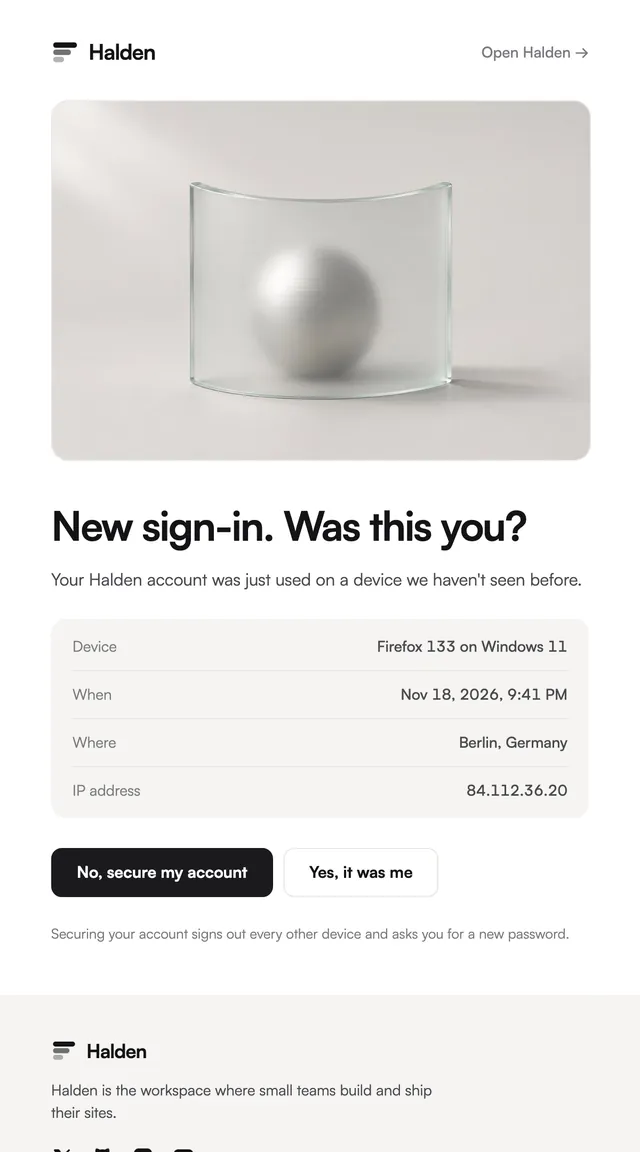
LedgerA new sign-in alert that asks one question: was this you?
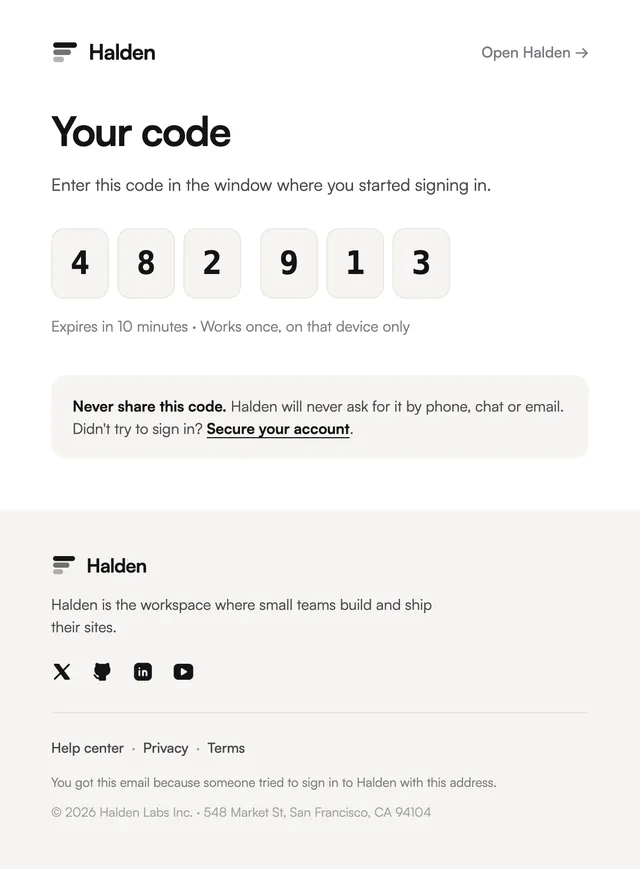
A one-time code email: six digits, one per box, with the expiry and a plain warning never to share it.
For two-factor and code-based sign-in, the digits are the email. This template sets each digit in its own box with a gap after the third, which makes a code easier to read and to type on a phone, and puts the expiry and the one-device rule in a single muted line beneath. A soft panel at the end says the company will never ask for the code and links to account security. The code is a prop, so it works with whatever generates your verification codes, and the boxes shrink on narrow screens.
This template is part of the 65 React Email templates that come with Wensity Pro. Each one is a single file built from React Email components, with a kit for your brand, and installs with the Wensity CLI or the MCP server.
Run the following command
pnpm dlx wensity@latest emails add ledger/one-time-code
npx wensity@latest emails add ledger/one-time-code
yarn dlx wensity@latest emails add ledger/one-time-code
bunx wensity@latest emails add ledger/one-time-code
The email lands in emails/ledger/ next to the style's kit.tsx, where you set your brand, colours and links once. It needs Wensity Pro and npx wensity@latest login.
Render the email to HTML with render() from React Email, then send it with Resend, Nodemailer, AWS SES or any provider. The data that changes per send is a typed prop.
import { render } from "react-email";import Email from "@/emails/ledger/one-time-code";const html = await render(<Email {...props} />);

Parth
Founder, Wensity
Still have a question?
Ask about plans, licensing, or templates and you will hear back from me directly.
Email hey@wensity.com