Black Friday is here 🔥 Get

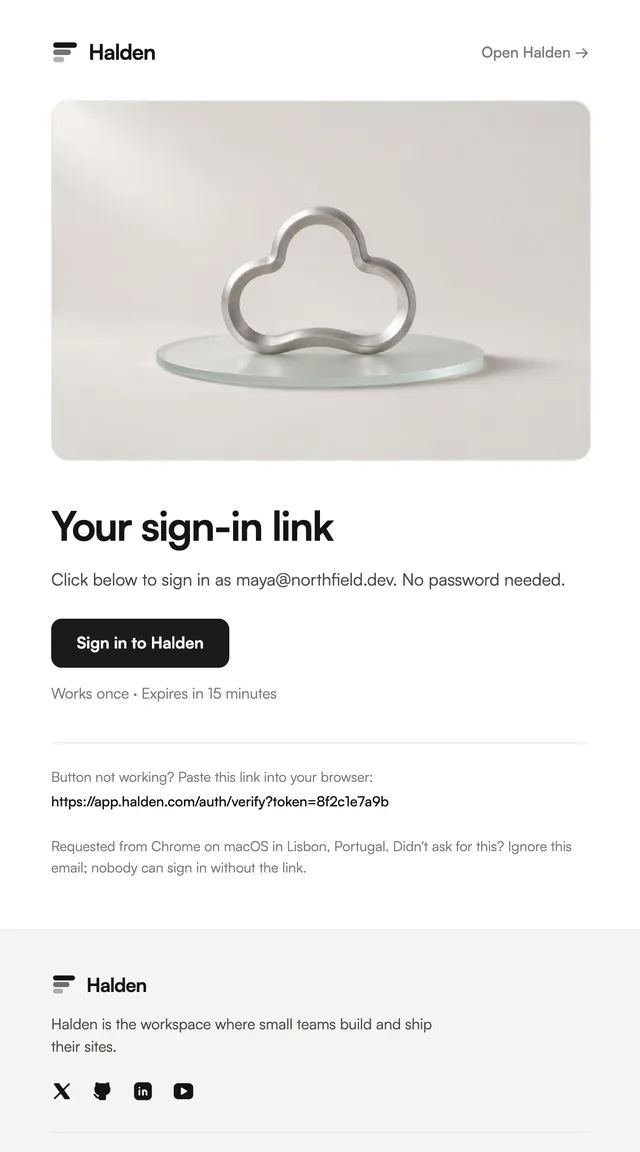
Magic link
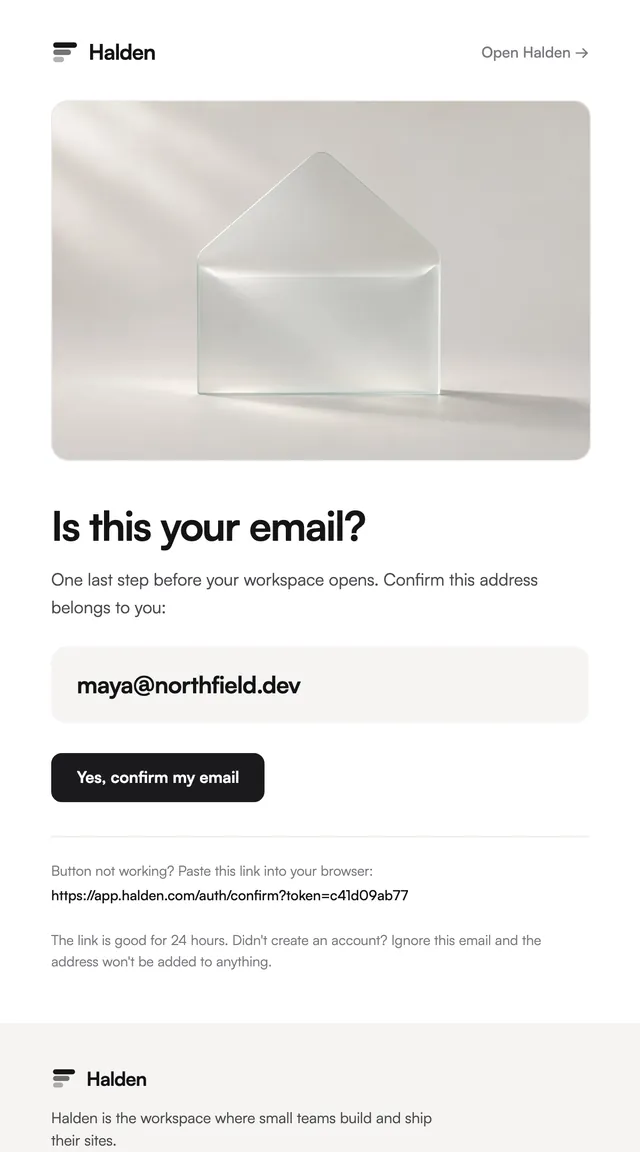
LedgerPasswordless sign-in where the button is the whole email.
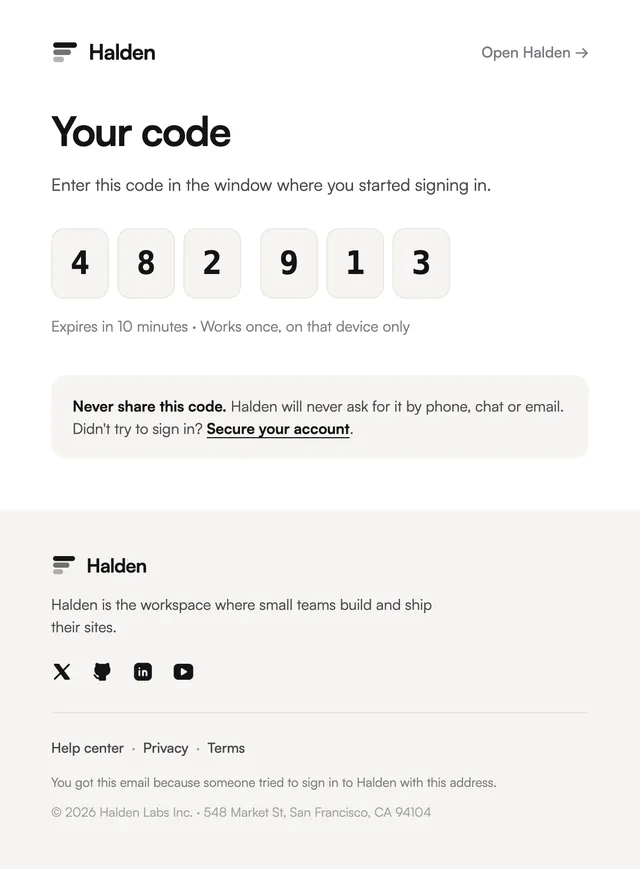
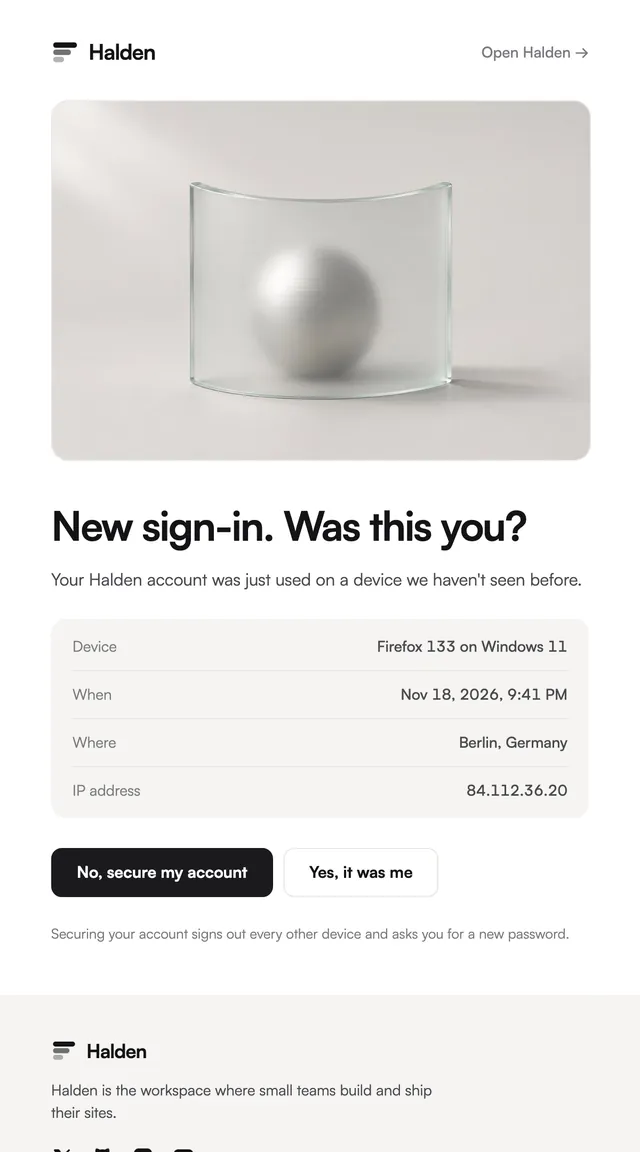
Reset-your-password emails in seven styles, with the facts of the request beside the button.
Most reset emails stop at a button. These add what a careful user needs to decide whether to press it: when the request was made, on which device and from where, set on hairlines under the action. The copy says the link works once and for one hour and that nothing changes until a new password is set, which is also what answers the worried reply. Every template takes the email, reset URL, time, device and location as props, so the facts come straight from your auth flow.
These 7 templates are part of the 65 React Email templates that come with Wensity Pro. Each one is a single file built from React Email components, with a kit for your brand, and installs with the Wensity CLI or the MCP server.
Run the following command
pnpm dlx wensity@latest emails add prism/password-reset
npx wensity@latest emails add prism/password-reset
yarn dlx wensity@latest emails add prism/password-reset
bunx wensity@latest emails add prism/password-reset
The email lands in emails/prism/ next to the style's kit.tsx, where you set your brand, colours and links once. It needs Wensity Pro and npx wensity@latest login.
Render the email to HTML with render() from React Email, then send it with Resend, Nodemailer, AWS SES or any provider. The data that changes per send is a typed prop.
import { render } from "react-email";import Email from "@/emails/prism/password-reset";const html = await render(<Email {...props} />);

Parth
Founder, Wensity
Still have a question?
Ask about plans, licensing, or templates and you will hear back from me directly.
Email hey@wensity.com