How to Recreate Apple's Scroll-Driven Product Pages in React

Learn how Apple's scroll-scrubbed product pages actually work, then build the same effect in React with a free, ready-made component and a few lines of code.
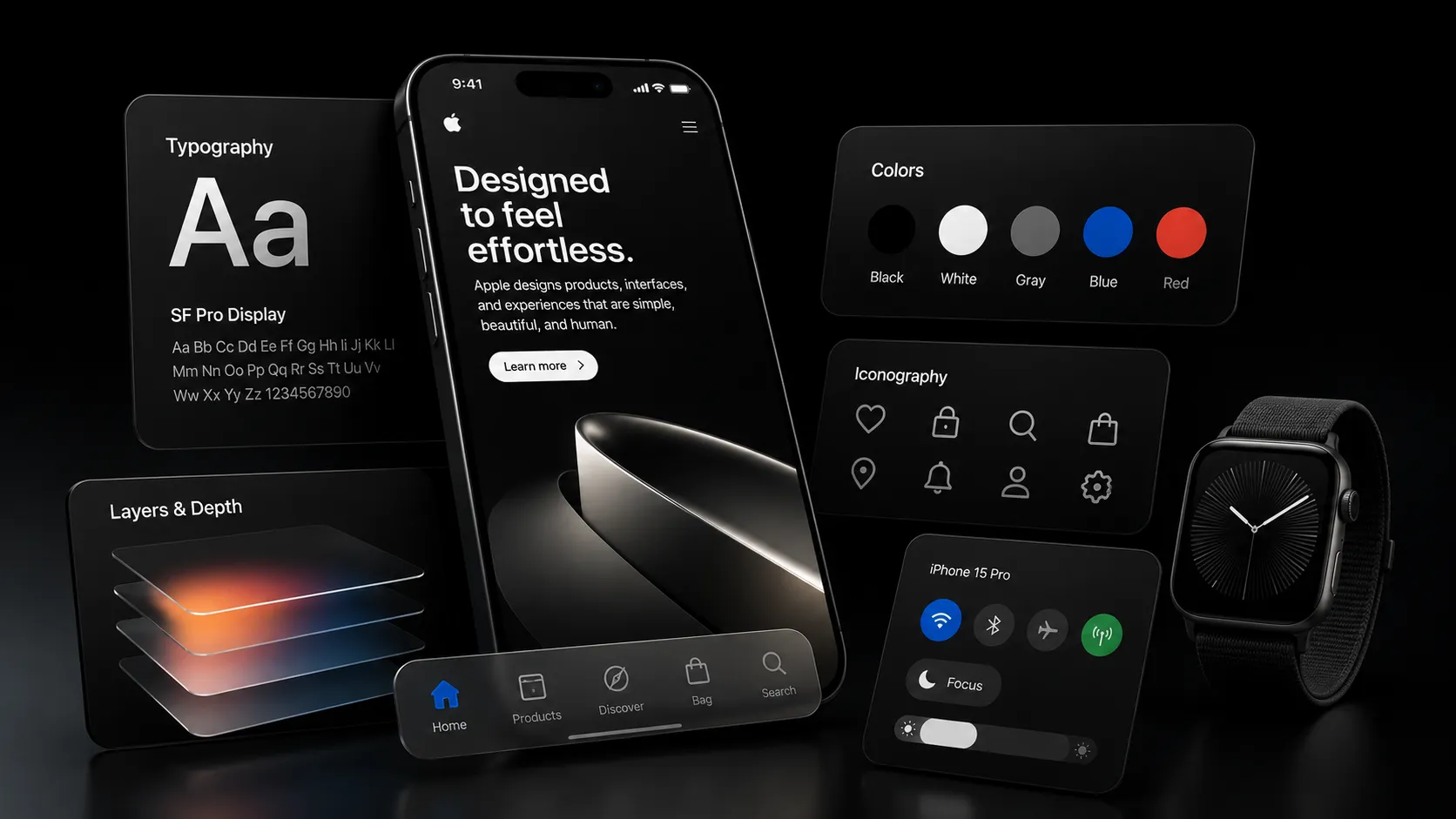
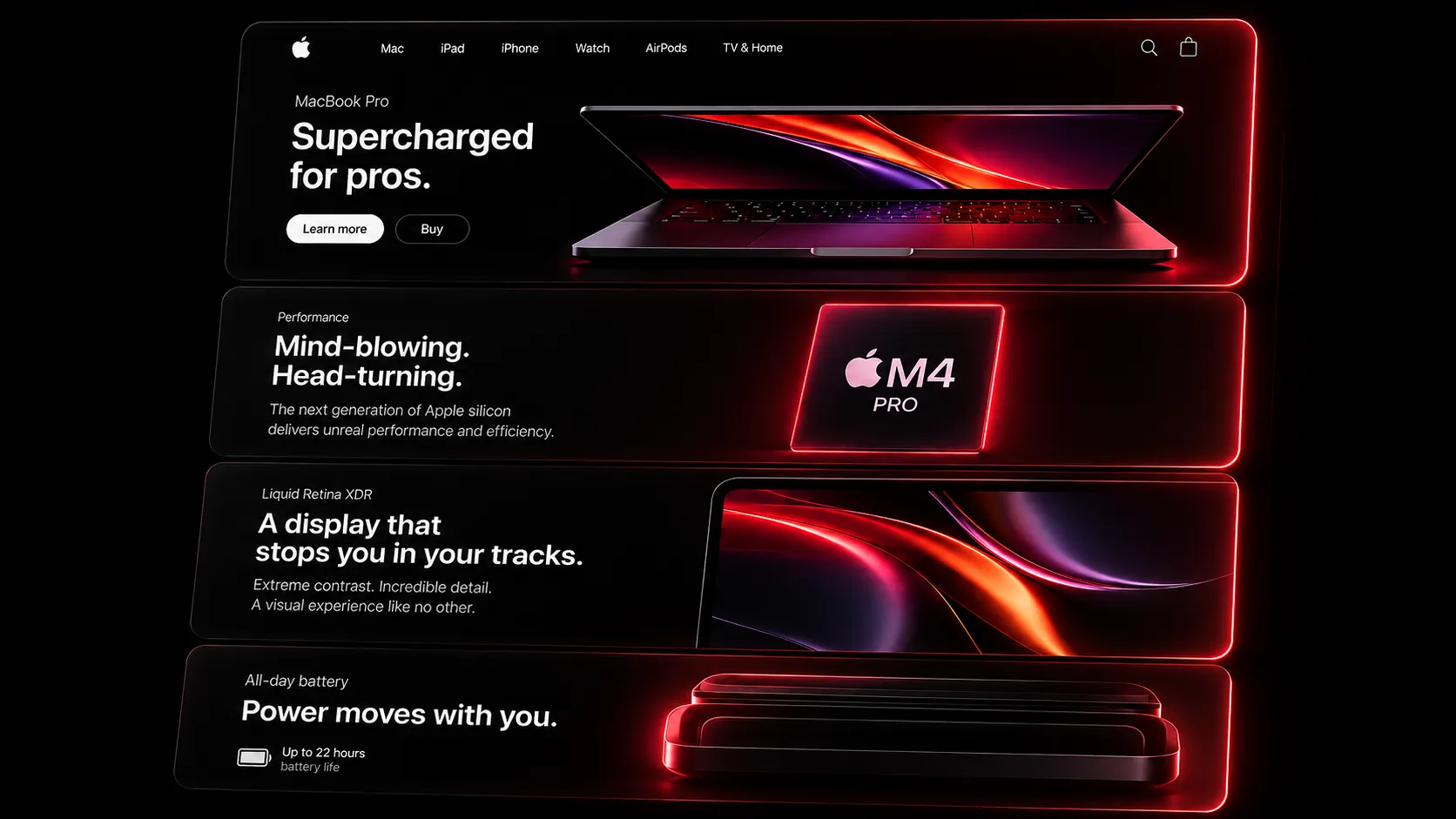
Open the AirPods Pro or iPhone product page on Apple's website and scroll slowly. The product spins, opens, and glows in perfect sync with your scroll position. Scroll up and it plays in reverse, frame by frame, with zero lag. This is Apple's signature scroll-driven product page, and for a long time it felt like something only Apple's engineering team could build.
It is not. This guide breaks down exactly how the effect works, then shows you how to build it in React using a free, open component called Scrubbable Video Reveal. No hacks, no paid plugins, just a canvas element and a scroll listener.
By the end of this guide you will have a scroll-scrubbed image sequence in your own React or Next.js app, driven by real scroll position, that plays forward and backward exactly like Apple's product pages.
What is a scroll-driven product page
A scroll-driven product page (also called a scroll-scrubbed sequence) is an animation where the current frame is tied directly to scroll position instead of time. As the user scrolls down, the frame index moves forward. As they scroll up, it moves backward. There is no autoplay and no fixed duration. The user's scroll wheel or thumb is the timeline.
This is different from a normal scroll-triggered animation, where an element just fades or slides in once when it enters the viewport. In a scroll-scrubbed sequence, every pixel of scroll maps to a specific frame, so the motion feels physically connected to the user's hand.
Why Apple does not use a video tag
The obvious first idea is to drop a <video> element on the page and control currentTime with scroll. This breaks down fast for two reasons.
First, most video formats use temporal compression. Frames are stored as differences from nearby frames, not as complete images. Seeking forward is fine, but scrubbing backward quickly forces the browser to decode a chain of frames just to reconstruct the one you asked for. On a fast scroll up, this shows up as stutter and dropped frames.
Second, currentTime updates on video elements are throttled by the browser and are not guaranteed to be pixel-accurate on every scroll event. That is enough to break the illusion of a 1-to-1 connection between scroll and motion.
Apple's approach, and the approach used by the Scrubbable Video Reveal component, sidesteps both problems by never using a video file at all.
The actual technique: an image sequence on canvas
Instead of a video, the page preloads a sequence of individual images (100 to 200 frames extracted from a video export) and draws the correct one onto an HTML <canvas> element as the user scrolls. There are three moving parts.
Preload every frame as an image
All frames load into memory ahead of time as
Imageobjects. Because each frame is a fully decoded, independent image, jumping to any frame in any direction is instant. There is no decode chain to walk.Map scroll position to a frame index
The component tracks scroll progress through the section as a value from 0 to 1, then multiplies it by the total frame count to get the frame index to show right now.
Draw that frame on the canvas
On every change to the frame index, the component calls
ctx.drawImage()to paint the new frame. Canvas drawing is GPU accelerated, so this stays smooth even at 120Hz.
This is the entire trick. No video codec, no currentTime throttling, just images and a 2D canvas context.
Meet the component: Scrubbable Video Reveal
Scrubbable Video Reveal is a free component in the Wensity UI library that implements this exact pattern in React. It is part of the Cinematic Interactions category, and because it ships as source you can copy, it is easy to read, teach from, and modify.
Here is what using it looks like in a real page:
"use client";import { ScrubbableVideoReveal } from "@/components/wensity/scrubbable-video-reveal";const frames = Array.from({ length: 180 }, (_, i) =>`/sequence/frame-${String(i).padStart(4, "0")}.webp`);export function ScrubbableVideoRevealDemo() {return (<ScrubbableVideoRevealframes={frames}aspect="16 / 10"travel={3}framed/>);}
That is the whole integration. You pass an array of image URLs in order, and the component handles preloading, scroll tracking, and canvas drawing for you. You can copy the full source straight from the component page and drop it into your own project.
How the scroll-to-frame math works
If you want to understand the core logic instead of just using the component, this is the part that matters. Under the hood, Scrubbable Video Reveal uses Framer Motion's useScroll to read scroll progress through the section, then converts that progress into a frame index.
const { scrollYProgress } = useScroll({target: targetRef,offset: ["start start", "end end"],});const frameIndex = useTransform(scrollYProgress, (p) => {const total = frames.length - 1;return Math.round(Math.max(0, Math.min(1, p)) * total);});useMotionValueEvent(frameIndex, "change", (v) => {if (v !== lastIndexRef.current) drawFrame(v);});
scrollYProgress goes from 0 at the top of the section to 1 at the bottom. Multiplying it by the frame count and rounding gives a clean integer frame index. The useMotionValueEvent listener only redraws the canvas when the index actually changes, so it never repaints the same frame twice while the user pauses mid-scroll.
Step by step: adding it to your own app
Export a frame sequence from your video
Use
ffmpegto turn a short product video into individual frames. This example pulls 180 frames and resizes them to keep file size low.Sourceffmpeg -i product.mp4 -vf "fps=30,scale=1200:-1" -q:v 3 public/sequence/frame-%04d.webpAim for 100 to 200 frames total. More frames give smoother motion but increase the amount of data the browser has to preload.
Place the frames in your public folder
Frames need to be reachable as static URLs, so
public/sequence/(or a CDN path) works well. Keep the naming pattern consistent, likeframe-0001.webp, so you can generate the array with a loop instead of listing every file by hand.Copy the component source
Copy
Scrubbable Video Revealfrom the component page. It has one dependency,framer-motion, which you likely already have if you are doing scroll animation in React.Wire up the frames array and drop it in
Build the
framesarray withArray.fromand a padded index, pass it to the component, and place it inside a tall enough section so there is scroll distance to scrub through.
Props you can tune
| Prop | Type | Default | What it does |
|---|---|---|---|
frames | string[] | required | Ordered list of image URLs, one per frame. |
aspect | string | "16 / 10" | Aspect ratio of the canvas wrapper. |
travel | number | 3 | How much scroll distance the sequence takes up, as a multiple of viewport height. |
framed | boolean | true | Renders the device-style frame around the canvas. |
sticky | boolean | true | Pins the canvas with position: sticky while scrolling through it. |
useWindow | boolean | false | Uses the page's own scroll instead of an inner scroll container. |
preload | "eager" | "lazy" | "eager" | Controls how aggressively frames load ahead of time. |
height | string | "640px" | Canvas height when useWindow is false. |
travel is the setting most worth experimenting with. A higher number spreads the same frame count over more scroll distance, which slows the perceived motion down and gives users more room to control the pace by hand.
Performance tips that actually matter
Common mistakes to avoid
The most common mistake is trying to reuse a single MP4 export instead of individual frames. It feels like the simpler path, but you inherit the exact seeking problems this technique is built to avoid.
The second most common mistake is skipping the resize step during frame export. Full-resolution frames preload slowly and can visibly stutter on first scroll, even though the drawing logic itself is fast.
The third is forgetting that travel controls pacing. If your sequence feels rushed, the fix is usually a higher travel value, not more frames.
Frequently asked questions
Where to go from here
You now know both the theory behind Apple's scroll-driven product pages and the exact component that implements it in React. Grab Scrubbable Video Reveal from the library, drop in your own frame sequence, and tune travel until the pacing feels right for your product.
If you want to see what else is available for scroll and motion heavy pages, browse the React carousel components guide or the rest of the component library, or start from the getting started guide if this is your first time installing a Wensity UI component.
Author Parth Sharma
Full-Stack Developer, Freelancer, & Founder. Obsessed with crafting pixel-perfect, high-performance web experiences that feel alive.
Enjoyed this article?
Related articles
Framer Motion vs CSS Animations: Which Should You Use in 2026?
CSS can now handle scroll animations and page transitions natively. Here is a clear, no-fluff comparison of Framer Motion (now Motion) and CSS animations for 2026, with real code and a simple decision guide.
Read article
How to optimize a Next.js app in 2026
A complete Next.js performance optimization guide for App Router teams: Core Web Vitals, bundle size, Server Components, images, fonts, scripts, caching, streaming, React Compiler, and SEO.
Read article