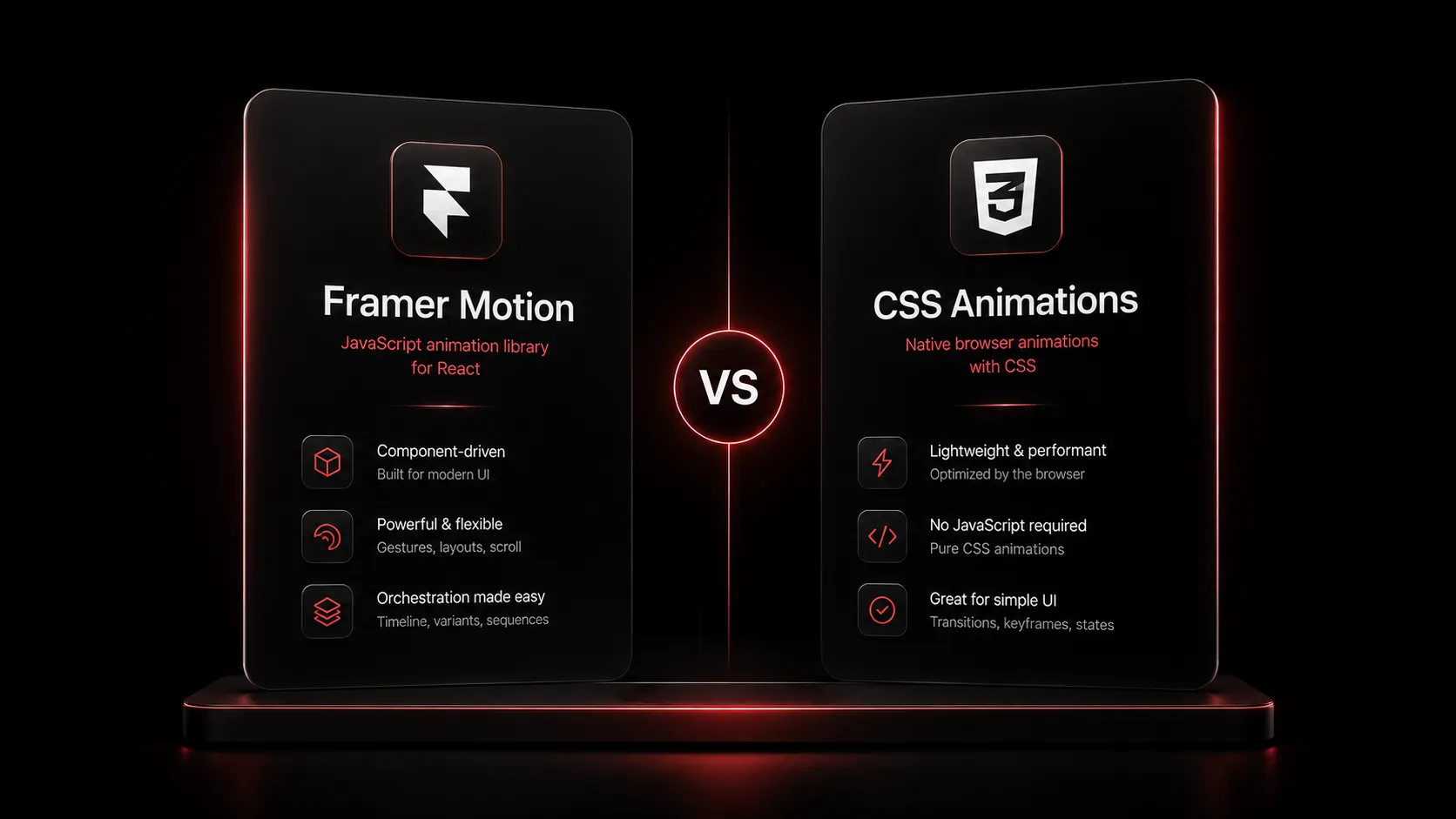
Framer Motion vs CSS Animations: Which Should You Use in 2026?

CSS can now handle scroll animations and page transitions natively. Here is a clear, no-fluff comparison of Framer Motion (now Motion) and CSS animations for 2026, with real code and a simple decision guide.
Short answer first: use CSS animations for simple, one-way motion like hovers, fades, and scroll reveals. Use Framer Motion (now called Motion) when the animation needs to react to state, interrupt itself mid-way, or coordinate layout changes across components. Most real apps in 2026 use both, not one or the other.
The reason this question keeps coming back is that the ground has shifted twice in the last two years. CSS picked up native scroll-driven animations and the View Transitions API, which used to be Framer Motion's whole reason for existing. At the same time, Framer Motion itself was renamed to Motion, with a smaller framework-agnostic core and a separate React build. This guide walks through what changed, what each tool is actually good at now, and how to pick between them without guessing.
Framer Motion is now published under the name Motion, with docs at motion.dev and a React-specific package that still gets called Framer Motion out of habit. Meanwhile, CSS scroll-driven animations and the View Transitions API reached solid cross-browser support, so a large share of what people used to reach for Framer Motion for can now be done in plain CSS.
The quick decision guide
If you only read one section, read this one.
| Use CSS animations when | Use Motion (Framer Motion) when |
|---|---|
| The animation is a hover, focus, or simple state toggle. | The animation needs to interrupt itself mid-motion cleanly. |
| It is a scroll reveal or a scroll-linked progress effect. | You need exit animations when an element leaves the DOM. |
| It is a page or route transition in a simple app. | You need shared layout animations between two different UI states. |
| You want zero JavaScript bundle cost. | You need drag, pan, or gesture-based interaction. |
| The motion never depends on component state. | The animation depends on data, user input, or component state. |
Why this comparison even matters now
For years, "smooth animation on the web" basically meant reaching for a JavaScript library. CSS could do keyframes and transitions, but it could not react to scroll position without a scroll event listener, and it had no idea how to animate an element that was about to be removed from the page. Framer Motion filled that gap so well that it became the default choice for almost any animated React app.
Two browser features changed that. CSS scroll-driven animations, using scroll-timeline and view-timeline, let you tie an animation's progress directly to scroll position with no JavaScript at all. The View Transitions API lets the browser animate between two DOM states, including full page navigations, by snapshotting the old view and cross-fading or transforming into the new one. Both now run in every major browser, and both execute on the compositor thread, which means they stay smooth even when the main thread is busy.
That is real competition for a JavaScript animation library, so it is worth being precise about what each side is actually good at.
What CSS animations are great at in 2026
Simple transitions and hovers
For anything that goes from state A to state B once, a plain CSS transition is still the right tool. It ships zero extra JavaScript and the browser handles it natively.
.card {transition: transform 200ms ease, border-color 200ms ease;}.card:hover {border-color: var(--border-strong);}
Scroll-linked animations without a scroll listener
This used to require a library. Now animation-timeline: scroll() (or a named scroll-timeline) ties an animation's progress directly to how far the user has scrolled, with no JavaScript and no scroll event handler.
.progress-bar {animation: fill-bar linear;animation-timeline: scroll(root);}@keyframes fill-bar {from { transform: scaleX(0); }to { transform: scaleX(1); }}
View-based reveals
view-timeline is the CSS answer to "fade this element in when it scrolls into the viewport," which used to need an IntersectionObserver and some React state.
.reveal {animation: fade-up linear;animation-timeline: view();animation-range: entry 0% cover 30%;}@keyframes fade-up {from { opacity: 0; transform: translateY(24px); }to { opacity: 1; transform: translateY(0); }}
Page and state transitions
The View Transitions API can animate between two full DOM states, including route changes, with a couple of lines of setup rather than an animation library wired into every route.
Scroll-driven animations and View Transitions cover a large share of what developers used to reach for an animation library for, and both run on the compositor thread instead of the main thread, so they stay smooth even under JavaScript load.
What CSS still cannot do well
CSS animations are declarative and mostly one-directional. That is fine until you need any of the following, where CSS starts to fight you.
What Motion (Framer Motion) is great at
Motion is the renamed, still actively developed version of the library most people know as Framer Motion. In 2026 it ships as two separate builds from the same team: a small framework-agnostic core called Motion, and a React-specific build that most people still call Framer Motion, with layout animations, exit animations, and gesture support built in.
Exit animations with AnimatePresence
This is the single feature CSS still cannot replicate on its own. AnimatePresence keeps a component mounted just long enough to finish its exit animation before removing it from the DOM.
import { AnimatePresence, motion } from "motion/react";export function Toast({ show, message }: { show: boolean; message: string }) {return (<AnimatePresence>{show && (<motion.divinitial={{ opacity: 0, y: 12 }}animate={{ opacity: 1, y: 0 }}exit={{ opacity: 0, y: 12 }}transition={{ type: "spring", stiffness: 300, damping: 30 }}>{message}</motion.div>)}</AnimatePresence>);}
Layout animations that just work
Add a single layout prop and Motion automatically animates size and position changes between renders, using the same FLIP technique under the hood that would take real effort to hand-roll in CSS.
<motion.div layout className="card">{expanded ? <ExpandedContent /> : <CollapsedContent />}</motion.div>
Gestures and interruptible motion
Drag, hover, and tap gestures come with physics-based animation that responds naturally if the user changes their mind mid-interaction, which is exactly the case where fixed-duration CSS transitions look stiff.
<motion.divdrag="x"dragConstraints={{ left: 0, right: 300 }}whileTap={{ scale: 0.98 }}/>
You can see this pattern used for real in components like Scrubbable Video Reveal, which ties scroll progress to an interruptible frame-by-frame animation, and Gooey Navigation Menu, which uses spring physics so each menu item stays responsive even if you tap the trigger again mid-animation.
Bundle size and performance, honestly
CSS animations cost nothing extra to ship since the browser already parses CSS. The framework-agnostic Motion core adds a small amount of JavaScript, and the full React build with layout animations, exit animations, and gestures is heavier still, though still modest by JavaScript library standards.
Performance-wise, both CSS animations and Motion's transform and opacity animations can run off the main thread and stay smooth under load. The real performance difference shows up in JavaScript execution and hydration cost, not in how the animation itself renders once it starts. If you are animating hundreds of elements with no interactivity, CSS wins on cost. If you are animating a handful of interactive, stateful elements, the JavaScript overhead of Motion is rarely the bottleneck.
A realistic hybrid approach
The best answer for most projects in 2026 is not choosing one tool for the whole app. It is matching the tool to the job.
Default to CSS for anything static
Hovers, focus states, simple fades, and scroll reveals belong in CSS. There is no reason to load a JavaScript library for motion that never needs to know about component state.
Reach for scroll-timeline and view-timeline for scroll effects
Progress bars, sticky reveals, and scroll-linked opacity or scale changes are a native CSS job now. Save JavaScript scroll libraries for effects that need frame-accurate control, like scrubbing through an image sequence.
Bring in Motion where state and interruption matter
Toasts, modals, expandable cards, drag interactions, and anything that needs to interrupt itself mid-animation is where Motion earns its bundle size.
Keep the two systems visually consistent
Match easing curves and durations between your CSS transitions and your Motion springs so the app does not feel like it is animating in two different dialects.
If you want a working example of Motion handling exactly this kind of state-driven, interruptible motion, the free Scrubbable Video Reveal component is a good one to read through, and the full component library has more Motion-driven patterns you can copy directly into a React or Next.js project.
Frequently asked questions
The bottom line
CSS in 2026 is strong enough that it should be your default for motion that does not depend on state. Framer Motion, now Motion, remains the right tool the moment an animation needs to interrupt itself, animate out, share layout across components, or respond to a gesture. Pick per animation, not per project, and the app will stay both fast and easy to reason about.

Author Parth Sharma
Full-Stack Developer, Freelancer, & Founder. Obsessed with crafting pixel-perfect, high-performance web experiences that feel alive.
Enjoyed this article?
Related articles

How to Recreate Apple's Scroll-Driven Product Pages in React
Learn how Apple's scroll-scrubbed product pages actually work, then build the same effect in React with a free, ready-made component and a few lines of code.
Read article
How to optimize a Next.js app in 2026
A complete Next.js performance optimization guide for App Router teams: Core Web Vitals, bundle size, Server Components, images, fonts, scripts, caching, streaming, React Compiler, and SEO.
Read article