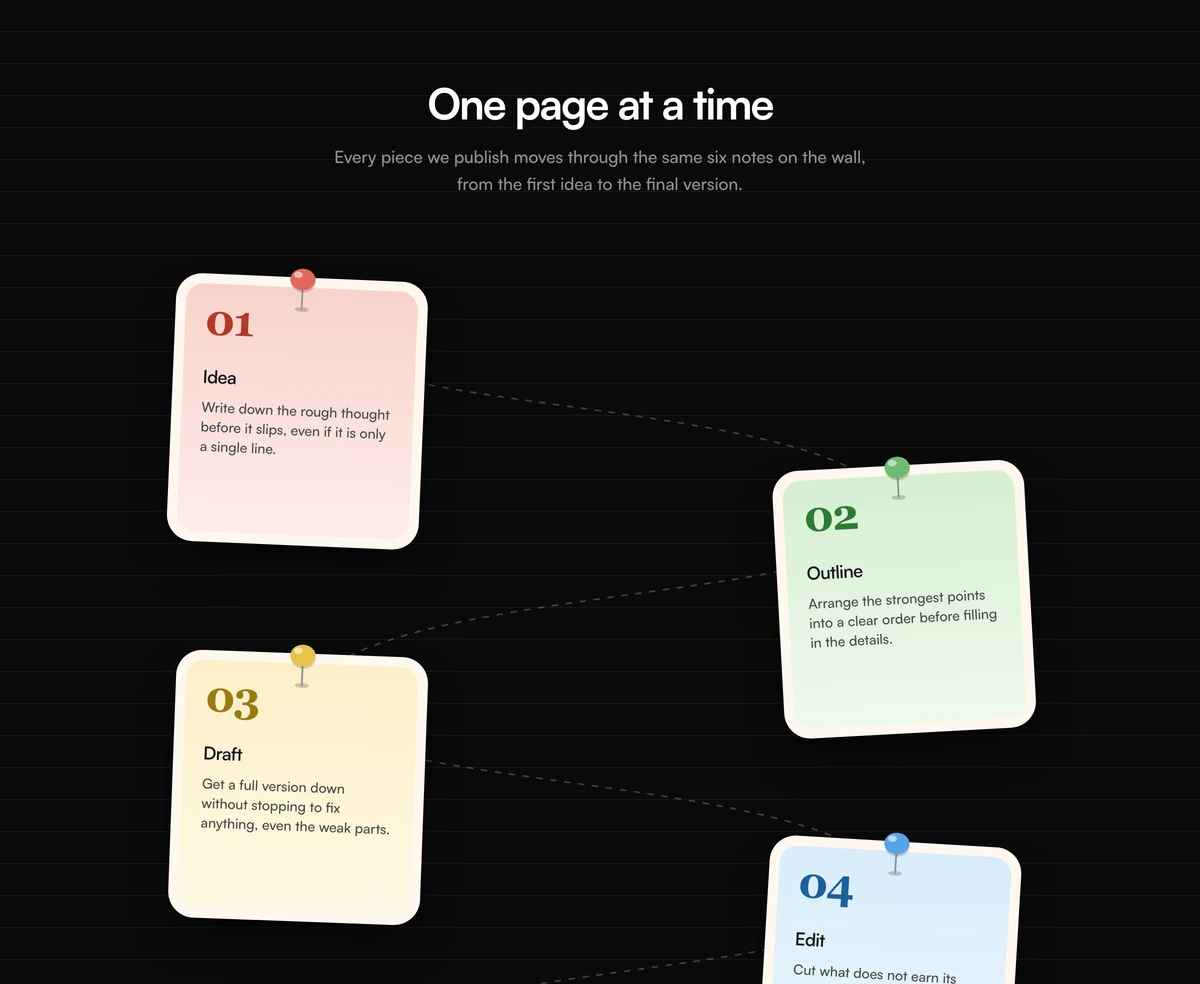
React How It Works Section with Taped Sticky Notes
ProFour square notes, each tilted a few degrees and held on by a strip of torn washi tape, with a big serif number at the top and one sentence at the bottom. It turns a four step process into something that looks pinned to a studio wall.
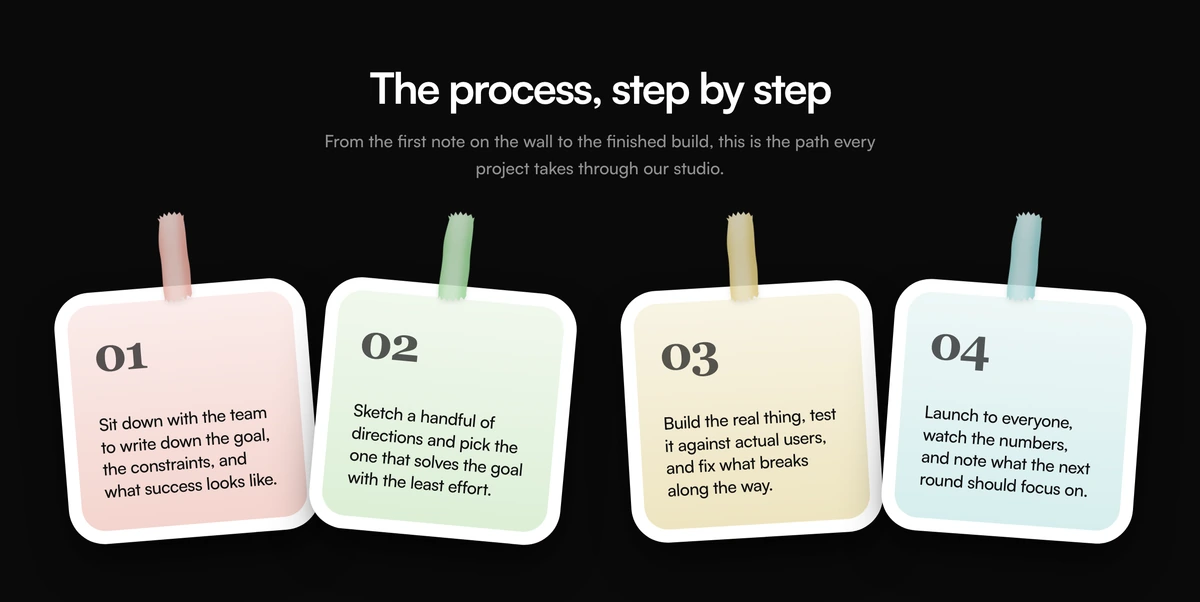
A process section with a handmade feel
How It Works Section with Taped Sticky Notes is a React step by step section where each step is a square note held on by tape. The tape is not an image: it is an SVG with a torn edge clip path, a sheen gradient and a fractal noise filter that gives it the grain of real paper tape.
The look carries a message. Tilted notes and torn tape say workshop, studio and people in a room, which suits design agencies, creative studios, workshops and any team that wants its process to feel human rather than automated. Each note holds one sentence, so the section stays light enough to read at a glance.
Like the timeline and notebook blocks in this category, it is a server component. There is no animation and no client JavaScript; the tilt is a CSS transform and the tape is drawn once in the HTML.
Paper, tape and numbers
Square note card
A white frame with a 36px radius around an inner panel washed with one of four pastel gradients, set to a square aspect ratio.
Torn tape strip
An SVG strip about 48 by 108px with a ragged clip path at both ends, a sideways sheen and a fractal noise grain, placed at the top centre of the note.
Per note tilt
Each note has its own rotate value in degrees, and its tape has a separate, smaller rotation, so no two sit at the same angle.
Serif step number
A 44px serif numeral at 70 percent opacity anchors the top, with the step sentence pushed to the bottom of the square.
When sticky notes suit your process
Use it when
- Your brand is warm, creative or studio based, and a little texture fits.
- The process has four short steps that each fit in one sentence.
- You want a how it works section with no JavaScript cost.
- The rest of the page is clean enough that playful notes stand out instead of adding noise.
Skip it when
- Steps need titles and paragraphs. Each note has room for a number and one sentence only.
- You sell to enterprise buyers who expect a formal, corporate tone.
- Your dark mode must darken everything. The notes stay white on a dark page by design.
Write the four notes and set their angles
Each note takes an id, a number, a body sentence, a tone (rose, mint, gold or cyan) and two angles: rotate for the note and tapeRotate for its tape. Alternate the sign of rotate from note to note, as the defaults do, so the row looks hand placed rather than skewed in one direction.
The grid shows one note per row on phones, two on small screens and four from the large breakpoint, so four or eight notes fill it evenly.
npx wensity@latest add how-it-works-section-with-taped-sticky-notes --type block
import { TapedStickyNotesHowItWorks } from "@/components/wensity/blocks/how-it-works-section-with-taped-sticky-notes";export function OurProcess() {return (<TapedStickyNotesHowItWorksheading="How a brand sprint runs"notes={[{ id: "listen", number: "01", body: "A half day workshop to agree what the brand must say.", tone: "rose", rotate: -4, tapeRotate: -1 },{ id: "explore", number: "02", body: "Three directions, presented on the Friday.", tone: "mint", rotate: 5, tapeRotate: 1.2 },{ id: "refine", number: "03", body: "One direction taken to a full system.", tone: "gold", rotate: -3, tapeRotate: -0.6 },{ id: "handover", number: "04", body: "Files, guidelines and a recorded walkthrough.", tone: "cyan", rotate: 4, tapeRotate: 1.5 },]}/>);}
Props
| Prop | Type | Default | Description |
|---|---|---|---|
heading | string | "The process, step by step" | The centred h2 above the notes. |
lede | string | - | One or two sentences under the heading. |
notes | { id; number; body; tone; rotate; tapeRotate }[] | 4 studio steps | The notes. tone is rose, mint, gold or cyan; rotate and tapeRotate are degrees. |
className | string | - | Classes on the section, such as a tinted background that makes the white notes stand out. |
Weight, texture and accessibility
Texture without images
The tape grain comes from an SVG turbulence filter, so the realistic texture costs no image request.
Unique ids for every strip
Clip path, gradient and filter ids are generated with useId, so many notes and many copies of the block never collide.
Decorative tape, readable notes
The tape SVG is aria-hidden, and the notes are list items in an ordered list, so assistive technology reads only the numbers and steps.
Fixed light notes
Note colours do not change in dark mode, which keeps the pastel tones accurate but means the notes are the brightest thing on a dark page.
Block details
- Category
- How It Works Sections
- Renders
- CSS only. Paints as soon as the stylesheet arrives
- Theme
- Follows the site theme in light and dark
- Dependencies
clsxtailwind-merge- Source
- 206 lines, 7 KB in one file
- Install
wensity add how-it-works-section-with-taped-sticky-notes --type block- Tags
- light, dark, how it works, sticky notes, tape, next steps
- Last updated