 Black Friday is here 🔥 Get
React Animated Gradient Background with Flowing Colour Bands
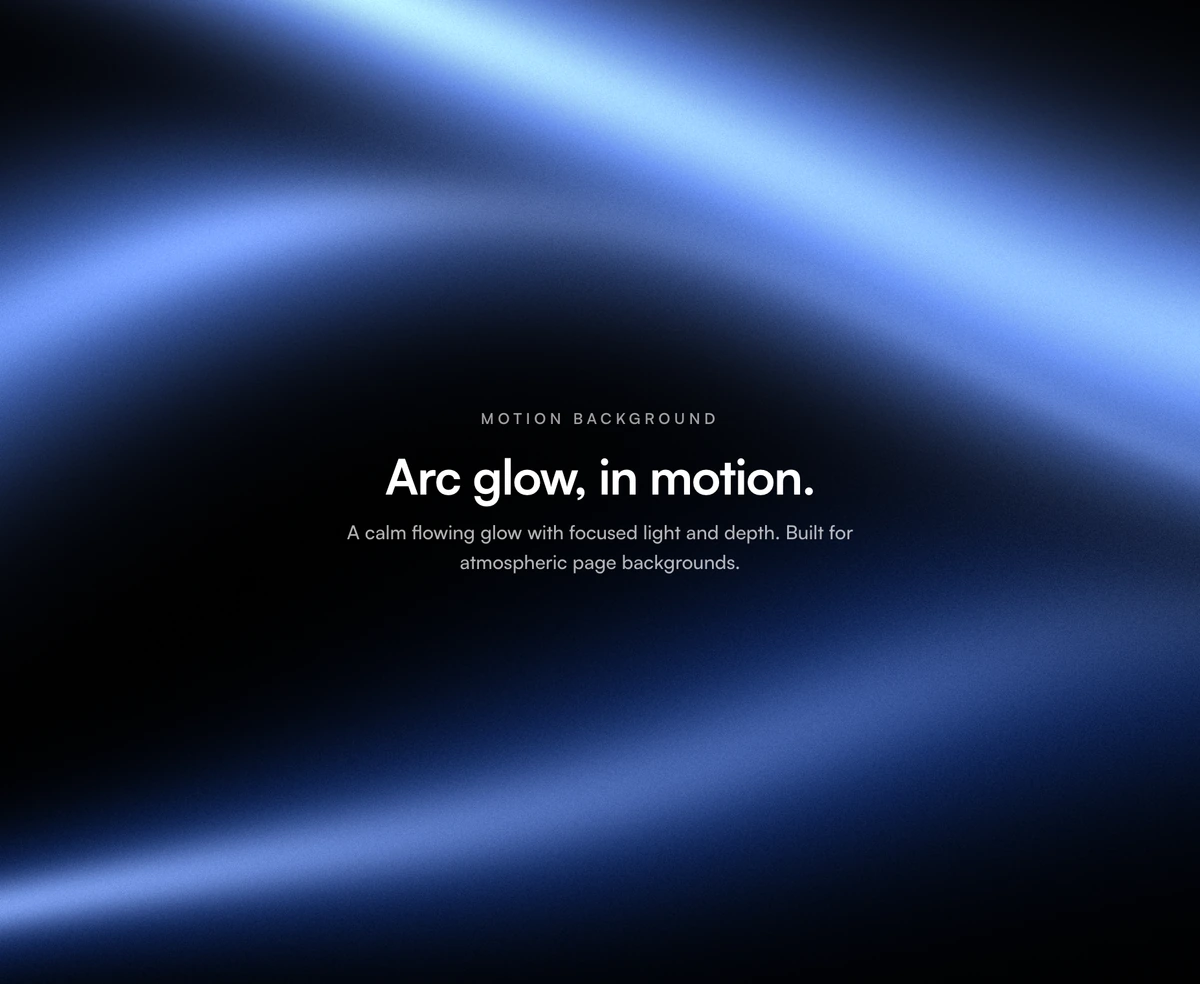
ProSoft ribbons of colour that ripple across the section like light through a prism, a single electric blue by default, or up to eight colours of your choosing. The bands bend towards the pointer and the whole field can rotate to any angle.
A gradient that moves like fabric
Animated Background with Color Bands is a React animated gradient background drawn by a WebGL fragment shader: ridges of colour with soft exponential edges, warped and drifting over time, composited over a base colour. It uses Three.js and React Three Fiber and works in any Next.js or React project.
CSS gradient animations move a fixed image around. A shader computes each band per pixel, so the ribbons can fold, thin out and cross each other, which is the effect people usually want when they search for an animated gradient and end up with a sliding background position instead.
You choose how many colours appear. Pass a single colour for a calm monochrome glow or a list of up to eight for a spectrum. In transparent mode the bands are alpha blended over the section base, so the same bands work on black or on an off white page.
Controls behind the bands
Band field
Each band is a ridge whose edge falls off exponentially. bandWidth sets how sharp the edge is, frequency sets how often bands ripple, and scale zooms the whole field.
Rotation and auto rotate
rotation sets the angle of the field in degrees, 90 by default. autoRotate turns it continuously in degrees per second, which is off unless you set it.
Warp and iterations
warpStrength displaces the coordinates before the bands are drawn, and iterations repeats that refinement. Higher values give tangled, liquid ribbons.
Pointer pull and parallax
mouseInfluence draws the field towards the cursor and parallax shifts it like a camera, both easing back when the pointer leaves.
Two kinds of grain
noise adds grain inside the shader, while grain lays a tiled texture over the canvas in CSS. Either can be set to zero.
Where flowing bands belong
Use it when
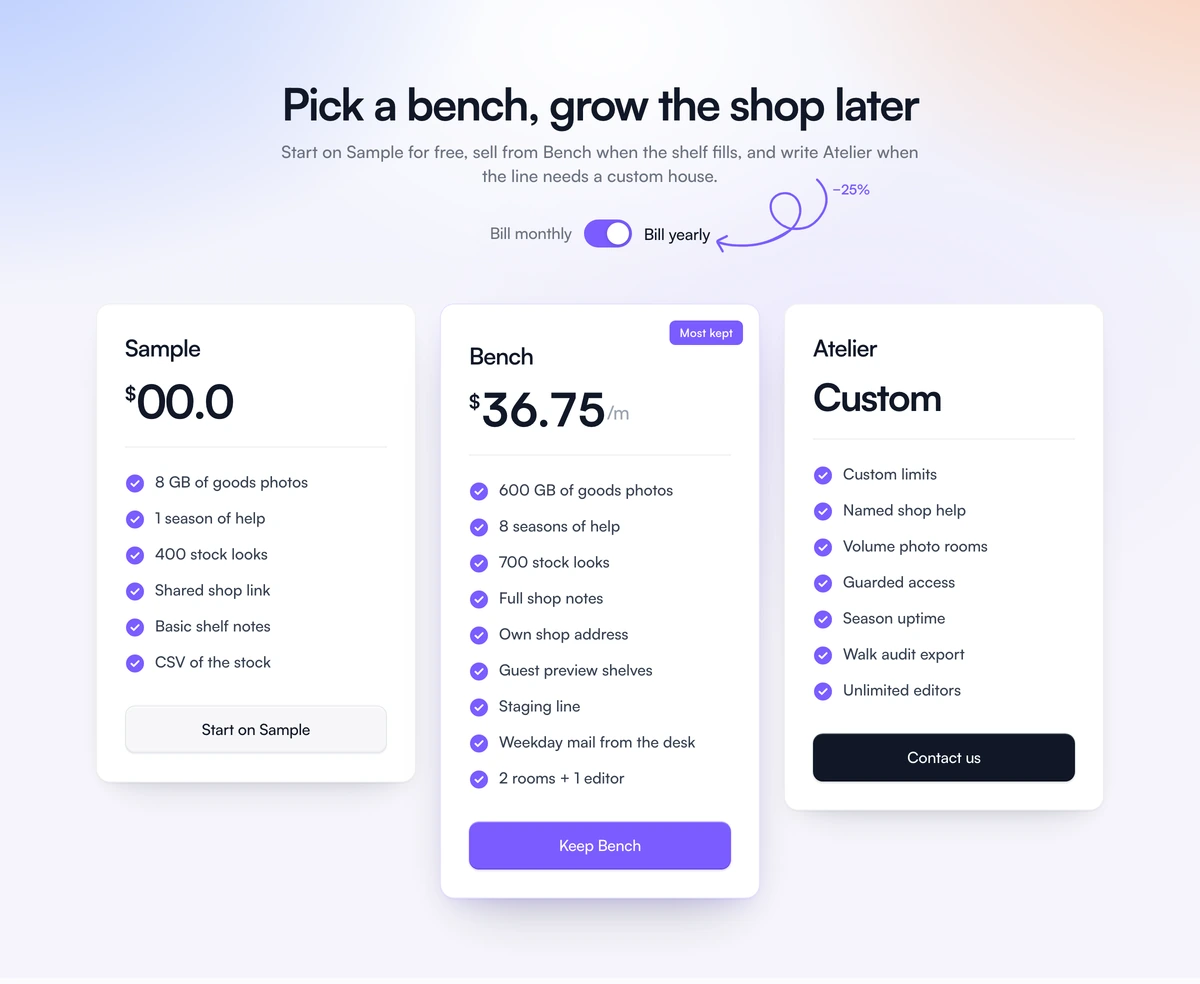
- Pricing, sign up and hero sections that need colour without a busy pattern.
- Brand palettes with several colours that deserve to be seen together.
- Light themed sites, since transparent mode keeps the page colour around the bands.
- You want a background you can rotate to match a diagonal layout.
Skip it when
- A static gradient would do. CSS is free; this keeps a GPU loop running.
- Projects without Three.js that cannot add it.
- Sections with small grey text, where moving colour behind it hurts legibility.
- You need more than eight colours; extra entries are ignored.
Set the palette, then the motion
Add three, @react-three/fiber and next-themes to your project, install the block and wrap your content as children. For a single colour pass color, or colorLight and colorDark. For a spectrum pass colors, or per theme colorsLight and colorsDark. base sets the colour underneath, black in dark mode and a pale lilac grey in light mode by default.
For motion, speed 0.2 is already slow. Raise intensity for brighter bands, lower bandWidth for softer edges, and set autoRotate to 3 or 4 for a field that turns barely perceptibly over a minute.
npx wensity@latest add animated-background-with-color-bands --type block
import { ArcGlowBackground } from "@/components/wensity/blocks/animated-background-with-color-bands";export function PricingBackdrop({ children }: { children: React.ReactNode }) {return (<ArcGlowBackgroundcolors={["#7c3aed", "#2563eb", "#06b6d4"]}baseLight="#f8fafc"config={{ rotation: 135, speed: 0.15, autoRotate: 2 }}minHeight={560}>{children}</ArcGlowBackground>);}
Props
| Prop | Type | Default | Description |
|---|---|---|---|
color | string | "#2767FF" | A single band colour for both themes. Ignored when colors is set. |
colors | string[] | - | Up to eight band colours. Extra entries beyond eight are dropped. |
base / baseLight / baseDark | string | - | The colour beneath the bands, also used as the section background while WebGL starts. |
config.rotation | number | 90 | Angle of the field in degrees. 45 or 135 suit diagonal layouts. |
config.autoRotate | number | 0 | Continuous rotation in degrees per second. |
config.bandWidth | number | 6 | Edge sharpness. Lower values blur the bands into each other. |
config.transparent | boolean | true | Blend bands over base. Turn it off for an opaque canvas. |
Performance and accessibility
Respects the system setting
With the default respectReducedMotion, a visitor who prefers reduced motion gets a single still render of the bands, and pointer pull is switched off.
No offscreen pause
The frame loop runs for as long as the component is mounted, visible or not. On pages with several sections, pause it with config.animate when it scrolls away.
Up to 2x pixel ratio
The canvas renders at the device pixel ratio up to 2, which keeps band edges crisp on retina screens. Cap it lower in the source if you target older phones.
Inputs in children
Only links and buttons inside children receive pointer events. Add pointer-events-auto to any form fields you place over the bands.
Decorative canvas
The canvas wrapper is aria-hidden, so assistive technology reads only your content.
Block details
- Category
- Motion
- Renders
- WebGL canvas. Compiles a shader before the first frame
- Theme
- Follows the site theme in light and dark
- Dependencies
@react-three/fiberclsxnext-themestailwind-mergethree- Source
- 573 lines, 19 KB in one file
- Install
wensity add animated-background-with-color-bands --type block- Tags
- webgl, three.js, shader, bands, glow, parallax, light, dark, background
- Last updated