Navbar With Frosted Glass
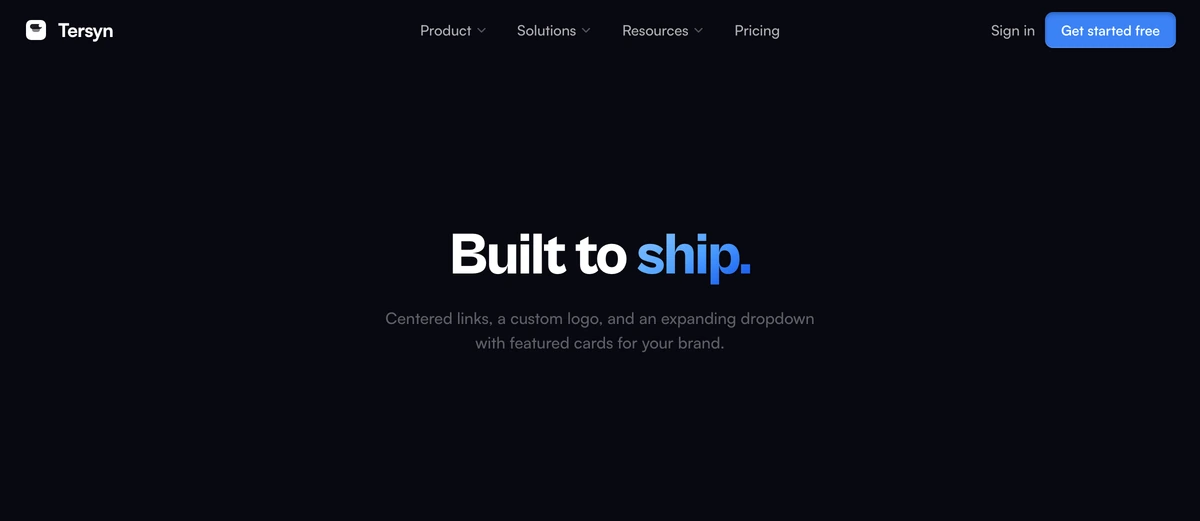
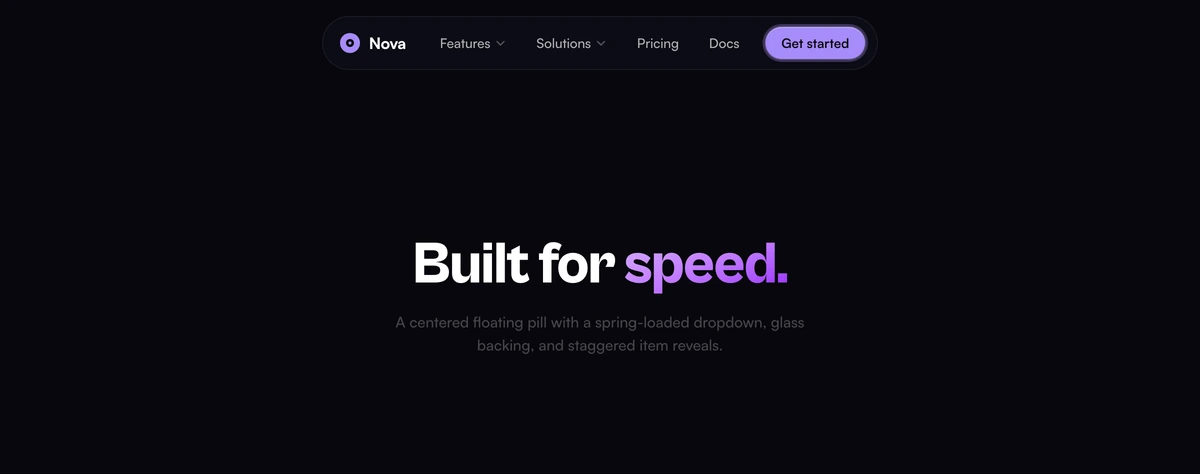
ProSticky frosted-glass navigation with adaptive blur on scroll, animated link underlines, and an integrated mobile drawer.
When to use Navbar With Frosted Glass
Sits transparent over the top of whatever you put behind it, then fades in a frosted backdrop once the page has scrolled past the first screen. The effect is that the navigation stays out of the way while someone is looking at your hero and becomes solid the moment they need to use it. The switch is driven by one intersection observer, not a scroll handler, so it does no work on the frames in between.
This is the least opinionated bar in the set and the right answer when you are not sure. It carries a mobile drawer, the link underlines animate on hover, and nothing about it competes with the section below. If your hero is a photograph, test the transparent state against the lightest part of the image, since that is where the link contrast will be worst.
Block details
- Category
- Navbars
- Renders
- JavaScript animation. Paints first, then animates
- Theme
- Follows the site theme in light and dark
- Responsive
- Mobile, tablet and desktop breakpoints are already set
- Dependencies
clsxframer-motiontailwind-merge- Source
- 263 lines, 12 KB in one file
- Install
wensity add navbar-with-frosted-glass --type block- Stack
- React, Next.js, TypeScript and Tailwind CSS v4
- Licence
- Included with Wensity Pro. The CLI copies the file into your repository and you own it from there
- Tags
- light, dark, glass, sticky, mobile-ready
- Last updated